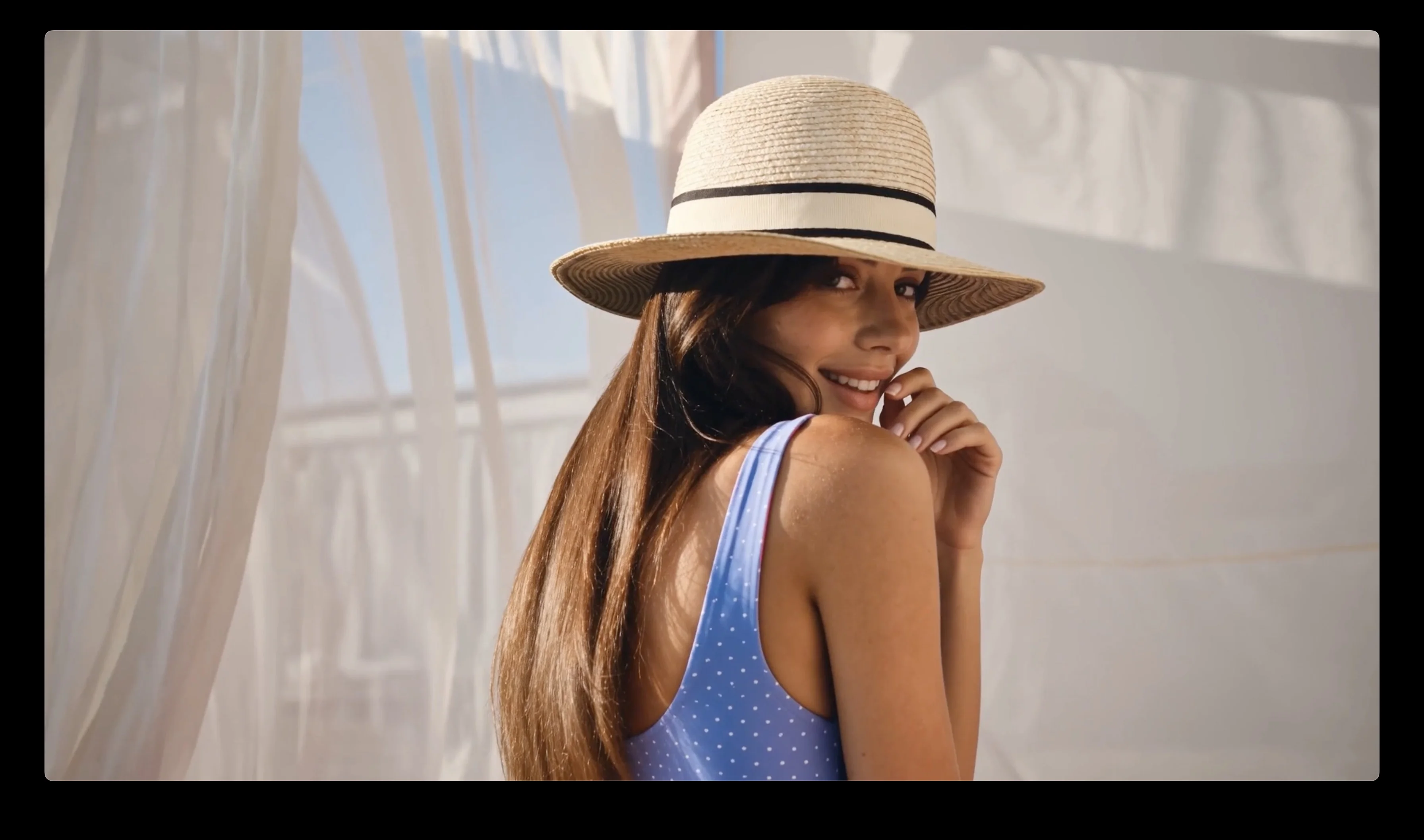
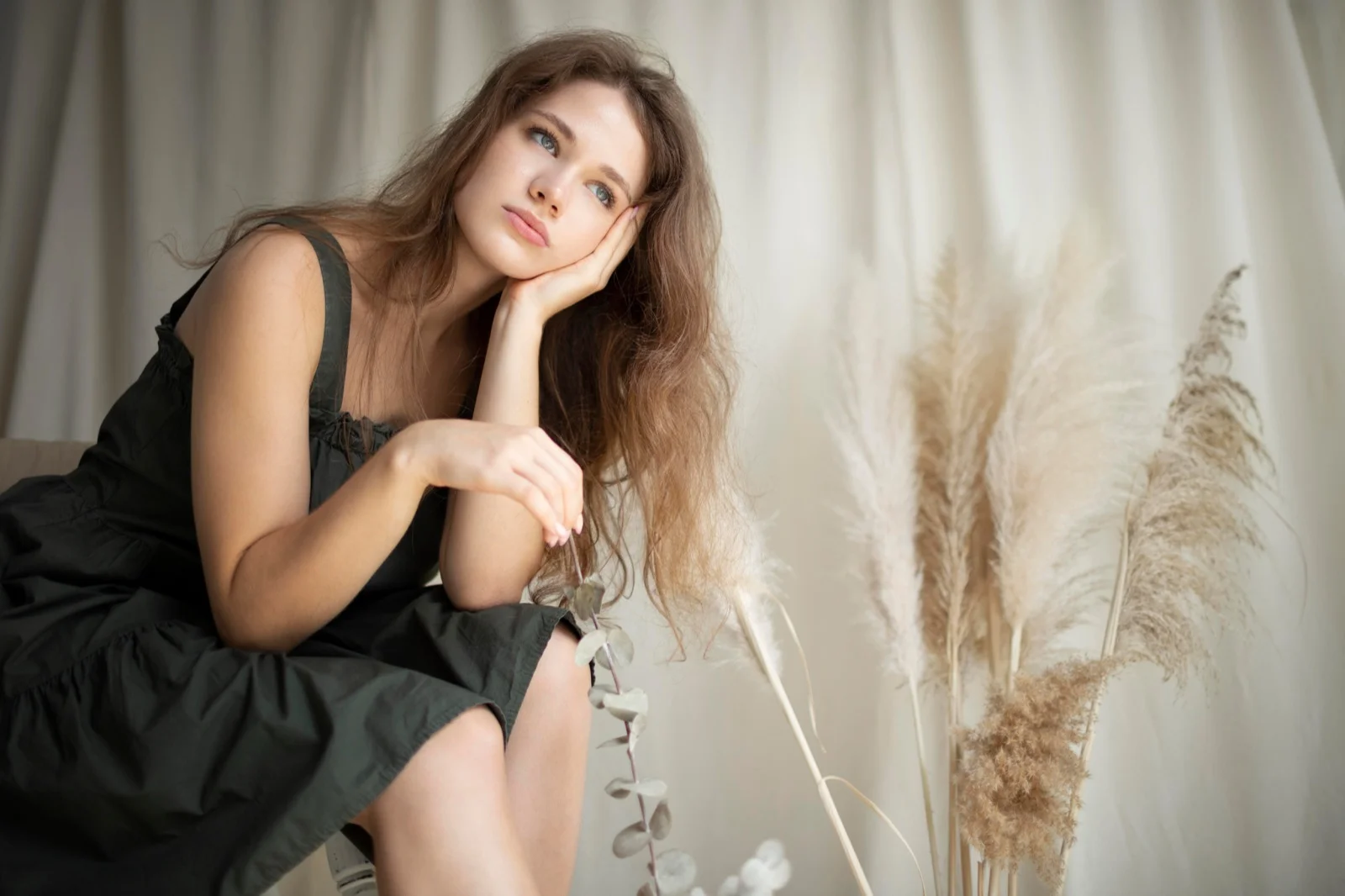
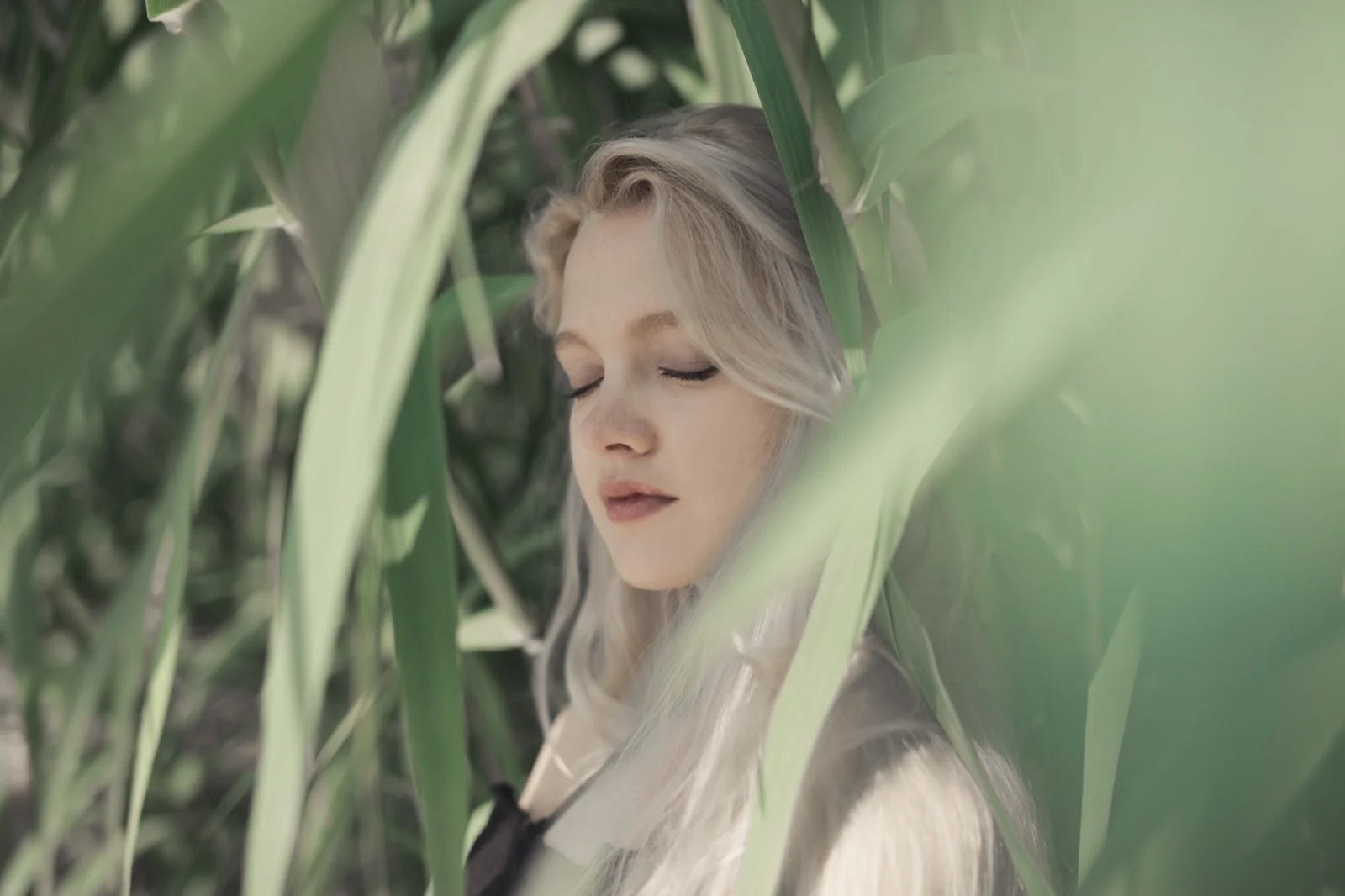
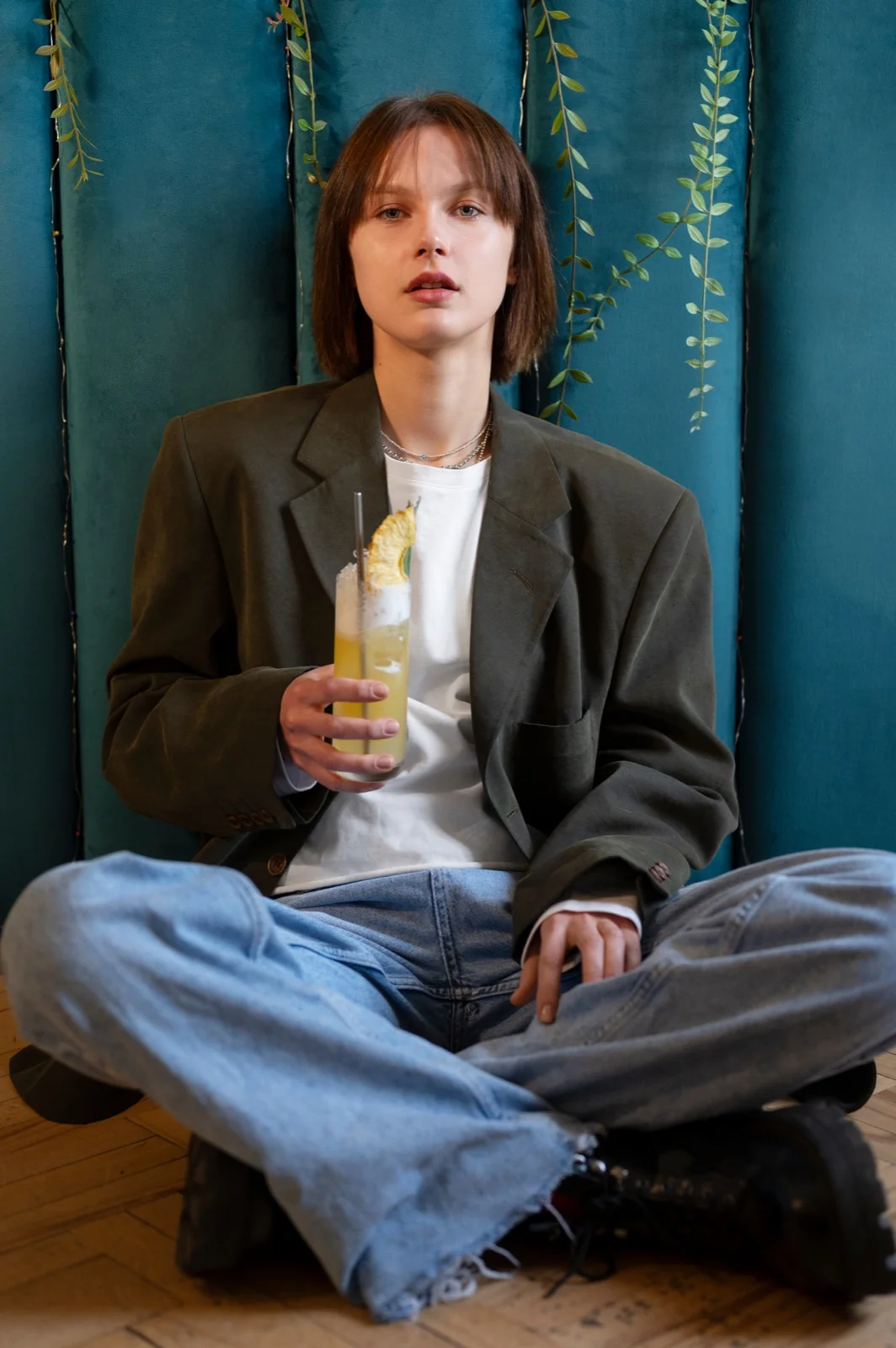
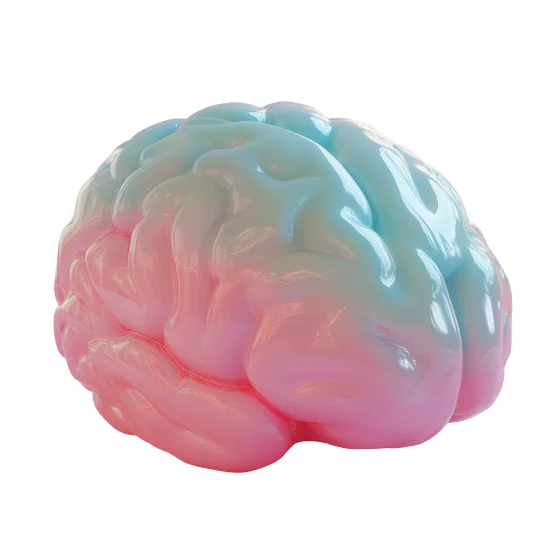
Choose a JPG, JPEG, PNG, or WEBP source with a visible subject and composition. The number of references you can use depends on the selected model.
Name the subject, pose, product shape, or framing to preserve, then direct the new background, lighting, materials, palette, wardrobe, or style.
Compare models that accept image input, then select the aspect ratio and available output controls that fit the transformation.
Start from a real photo, then use one focused instruction to move it into a new visual direction.
Start with a real visual anchor then define the exact transformation and compare several controlled directions
Compare supported image-input models while keeping the reference and transformation brief ready.
Describe the exact scene, light, texture, material, palette, wardrobe, or atmosphere you want to change.
Create independent Takes for different backgrounds, styles, or moods without rebuilding the setup.
Tell the model which subject, pose, silhouette, product shape, or composition should remain recognizable.
Describe what must stay, what should change, and how the new result should feel so every restyle remains controlled.
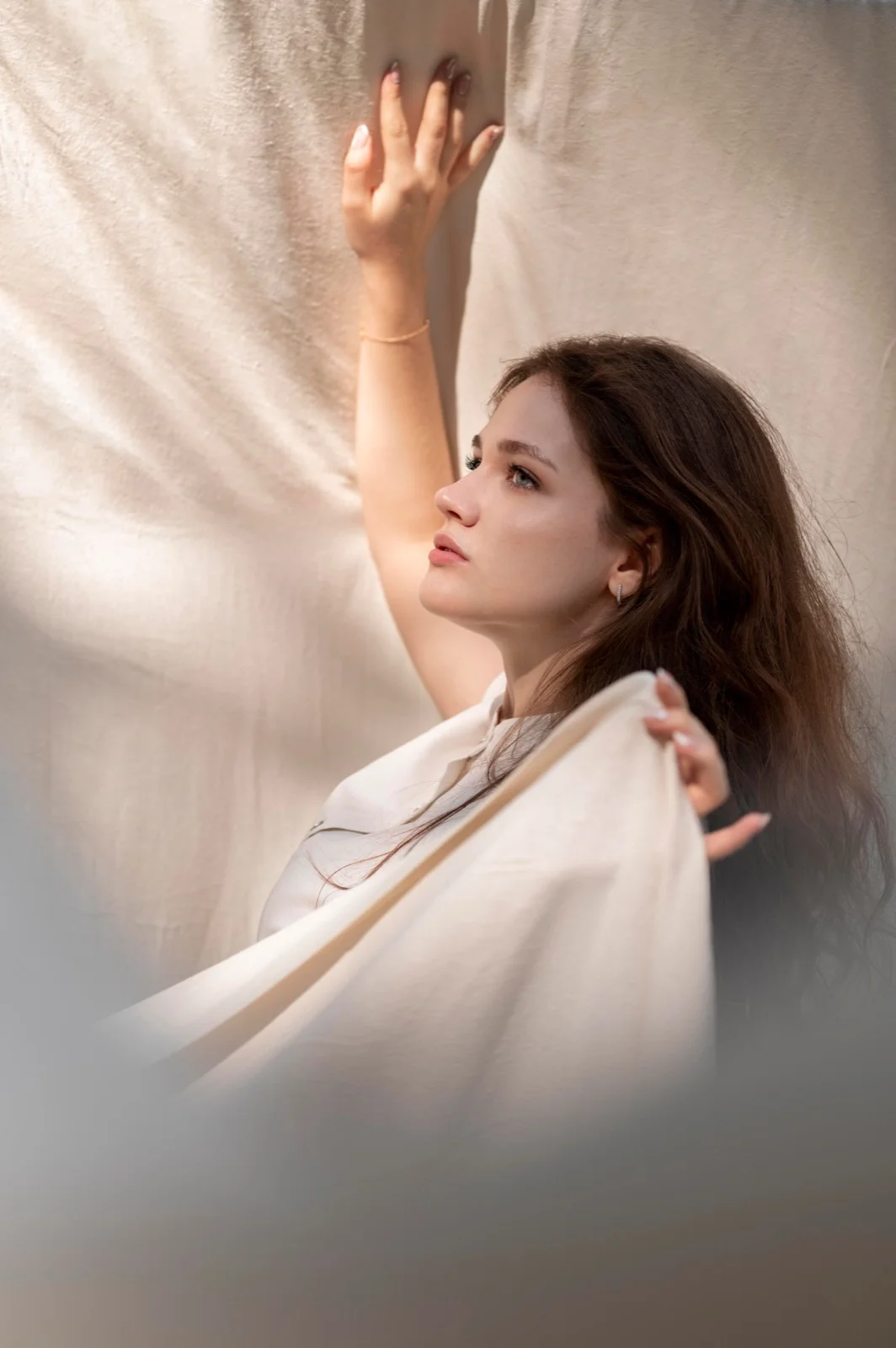
Use the reference portrait to create a polished editorial variation. Preserve the person's identity, pose, hairstyle, and facial expression, replace the background with soft ivory drapery, and refine the light into a warm studio key with natural skin texture and subtle detail.

Remove the original background around the product and create a clean premium studio scene. Preserve the exact product shape, colors, edges, label, and natural shadow. Use pale gray stone, soft directional light, realistic contact, and enough negative space for an ecommerce layout.
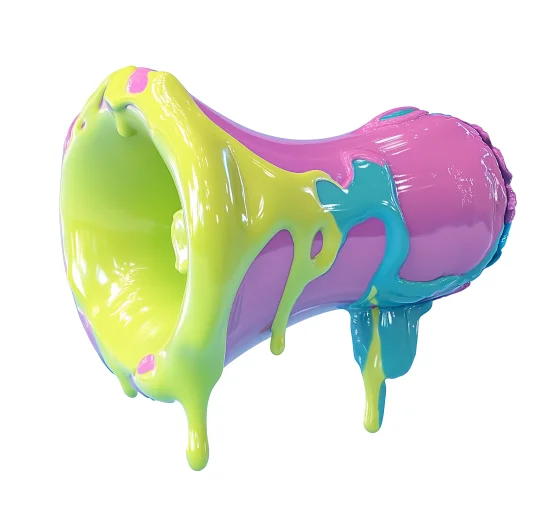
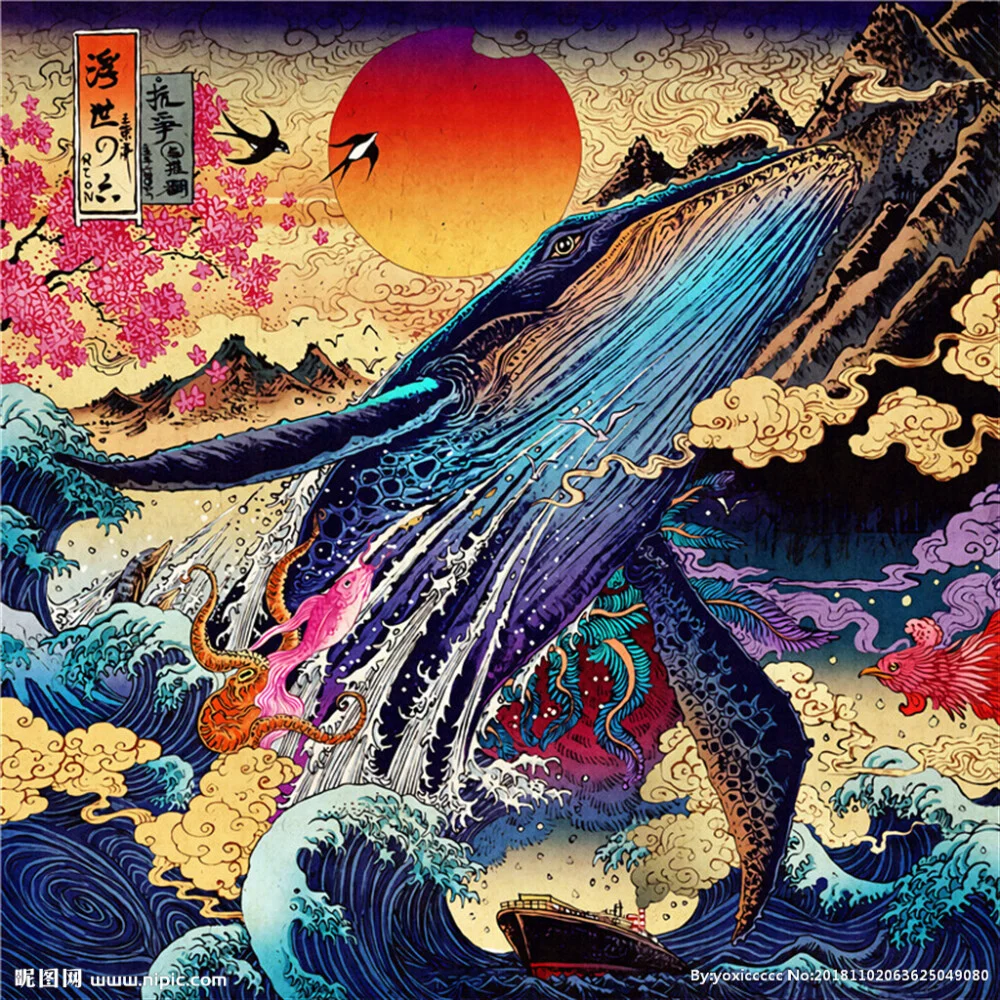
Turn the reference image into a square streaming-ready album cover. Preserve the main subject and recognizable silhouette, add a deep cobalt and silver color system, cinematic rim light, polished grain, and a restrained area for album text without generating any readable words.

Restore this faded family photograph while preserving every person's identity, pose, clothing, and original composition. Repair scratches and missing detail, balance the color naturally, reduce noise without plastic skin, and keep the result faithful to a carefully preserved printed memory.

Different models excel at different tasks. Access them all through the single platform ManyO — switch freely, pay-as-you-go.
Up to 10 reference images at up to 4K, with fast and prompt-accurate edits.

Keep the core subject or composition while exploring new backgrounds, palettes, seasons, and placements for ads, landing pages, and social channels.

Preserve important product cues while comparing studio, lifestyle, editorial, and seasonal concepts for listings and campaigns.


Compare several transformations without replacing the source image or an earlier result you still want to keep.
Refresh portraits, thumbnails, covers, and recurring characters while keeping the core visual identity familiar.
Explore product settings, seasonal art direction, and campaign placements without rebuilding the source asset from scratch.
Turn moodboards, sketches, and approved frames into reviewable visual directions for client and production conversations.
Answers about references, preservation, supported models, credits, and output controls.
Upload a reference, define what stays and what changes, then sign in to generate with the credits available in your account.