Meus ativos
Explorar
ManyO.aiMuitos para Um.

Criação

  • Gerador de imagens de IA
  • Texto para imagem
  • Imagem a imagem
  • Gerador de vídeo de IA
  • Texto para vídeo
  • Imagem para vídeo
  • Vídeo para vídeo

Todas as ferramentas

  • Explorar
  • Preços

Sobre

  • Sobre ManyO
  • Contate-nos
  • Termos de Serviço
  • política de Privacidade
  • Soluções de IA
  • Recursos de IA
MODELOSWan 2.2 Ao vivo agora
INCITAR
0 /10000
Créditos necessários:—
ExemplosVer registros

Incitar

Um faroleiro solitário observa o nascer do sol de um penhasco, um drone de ângulo baixo avança em direção à torre, luz da hora dourada, reflexos de lente anamórficos, névoa suave do mar flutuando pelo quadro. Grau de cor cinematográfico, profundidade de campo rasa, 5 segundos.

  • Seedance
  • Happy Horse
  • Kling
  • Google Omni
  • Sora
  • Wan
  • Runway
  • Midjourney
  • Grok
  • Seedance
  • Happy Horse
  • Kling
  • Google Omni
  • Sora
  • Wan
  • Runway
  • Midjourney
  • Grok
  • Seedance
  • Happy Horse
  • Kling
  • Google Omni
  • Sora
  • Wan
  • Runway
  • Midjourney
  • Grok

AI Text-to-Video Generator:
Turn Prompts into Video

Describe the scene, subject, action, camera, lighting, and pace you want, then compare AI video Takes from supported models. Available duration, aspect-ratio, quality, and resolution controls depend on the model you choose.

How to Generate a Video from Text
on ManyO

  1. Step 1: Write the scene and action

    Name the subject, environment, movement, and story beat. Add camera framing, lighting, mood, and timing so the prompt describes what changes across the clip, not only a still frame.

  2. Step 2: Choose a model and format

    Compare supported text-to-video models, then select the aspect ratio, duration, quality, and resolution options available for the active model.

  3. Step 3: Sign in and generate a Take

    Review the displayed credit cost, generate the clip, then compare results, refine the prompt, regenerate, favorite, or download the Take you want to keep.

Text-to-Video Prompt Ideas

A useful video prompt connects subject, action, environment, camera behavior, light, and timing. Use these motion-led directions as a starting point, then rewrite the details for your brand, story, or channel.

Cinematic Opening Shot

Directed Character Gesture

Crowd Reaction Sequence

Outdoor Atmosphere Study

Dynamic Entrance Shot

Celebration and Closing Beat

Why create text-to-video in ManyO

Move from a written concept to several video directions while prompts, models, and settings stay together for clearer iteration.

  • Prompt-first video creation

    Start without footage: describe the scene, action, camera, light, mood, and pacing that should unfold across the clip.

  • Supported model choice

    Compare available text-to-video models for different interpretations while keeping the core brief ready.

  • Independent video Takes

    Generate multiple attempts, preserve earlier results, and refine one variable at a time instead of replacing the whole exploration.

  • Model-aware output controls

    Choose from the aspect ratio, duration, quality, and resolution settings exposed by the active model before spending credits.

Text-to-Video Prompt Cases: Ideas, Inputs & Video Outputs

Move from a written brief to production-ready video directions with prompts that describe action, camera, timing, and mood.

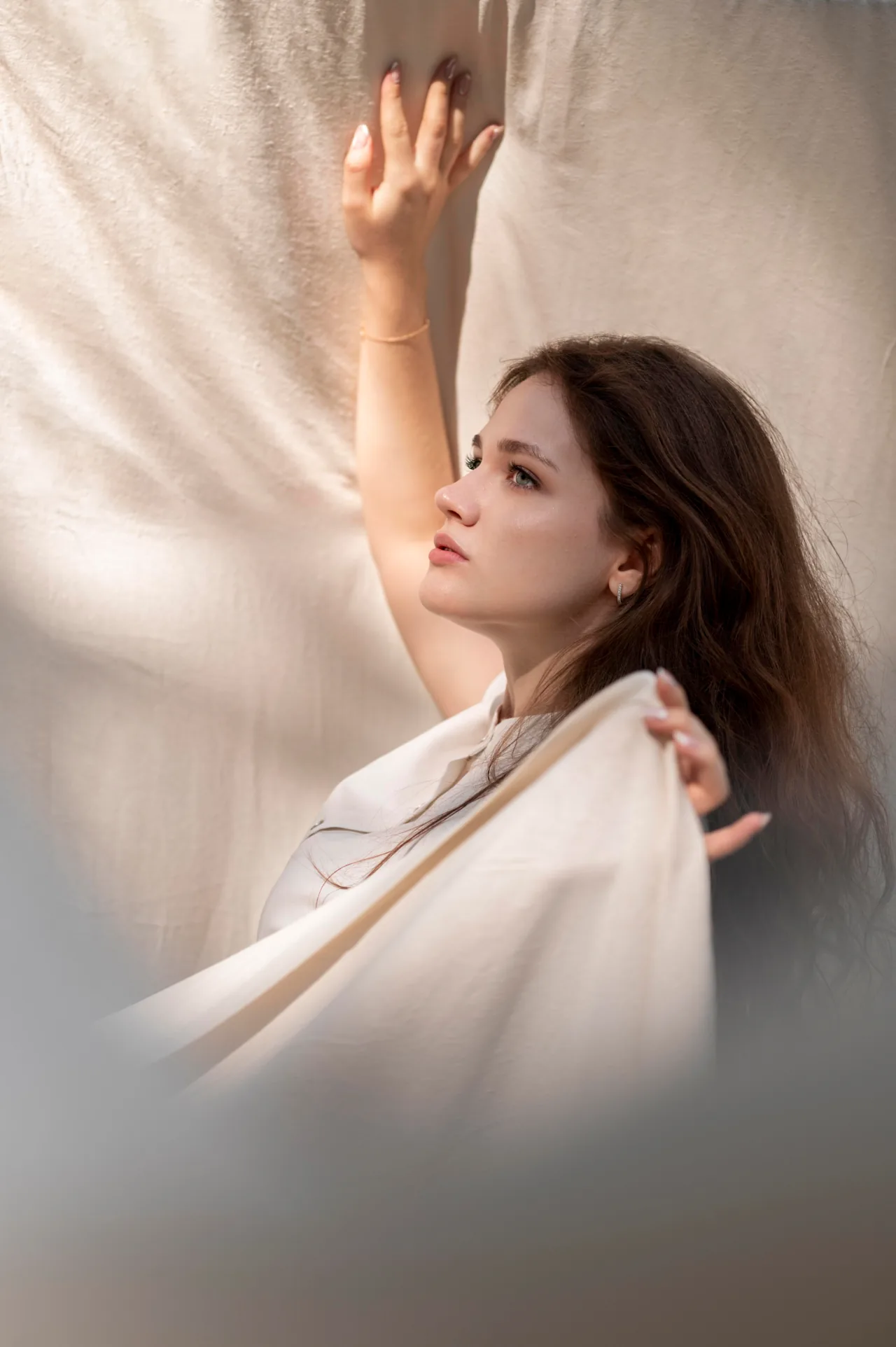
Influencer Talking-Head Ad

Use this prompt

A realistic 10-second UGC advertisement shot on a phone in a bright modern kitchen. Keep the creator's face and natural skin texture consistent while she presents a premium juicer, speaks directly to camera, and finishes with a satisfying sip. Use gentle handheld movement, warm daylight, quick product close-ups, and no text on screen.
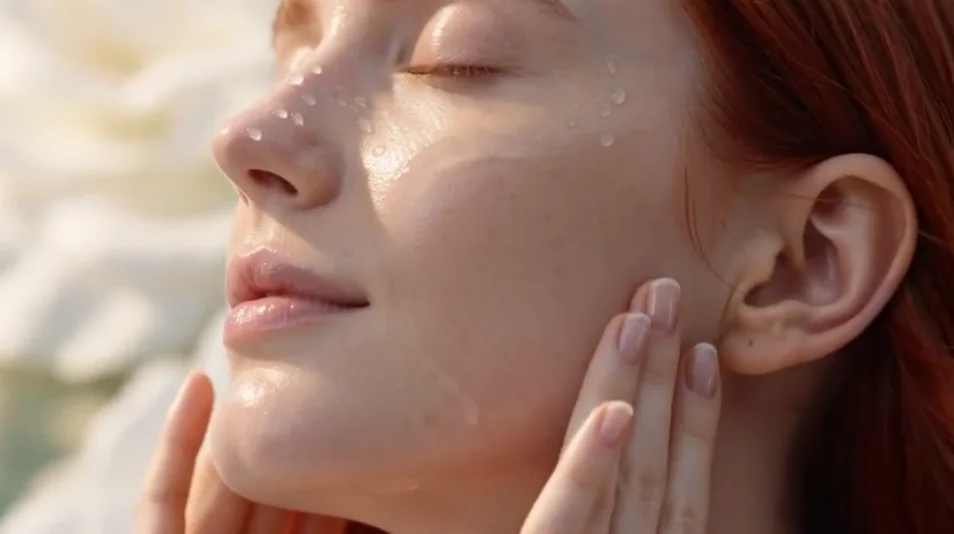
Influencer Talking-Head Ad

Storyboard to Video

Use this prompt

Turn this storyboard into a polished 10-second product video with a clear beginning, middle, and end. Start with a confident presenter, cut to a close-up of the product in use, then end on a bright hero shot. Use smooth match cuts, realistic hands, controlled camera pushes, and an upbeat social-first rhythm.
Storyboard to Video

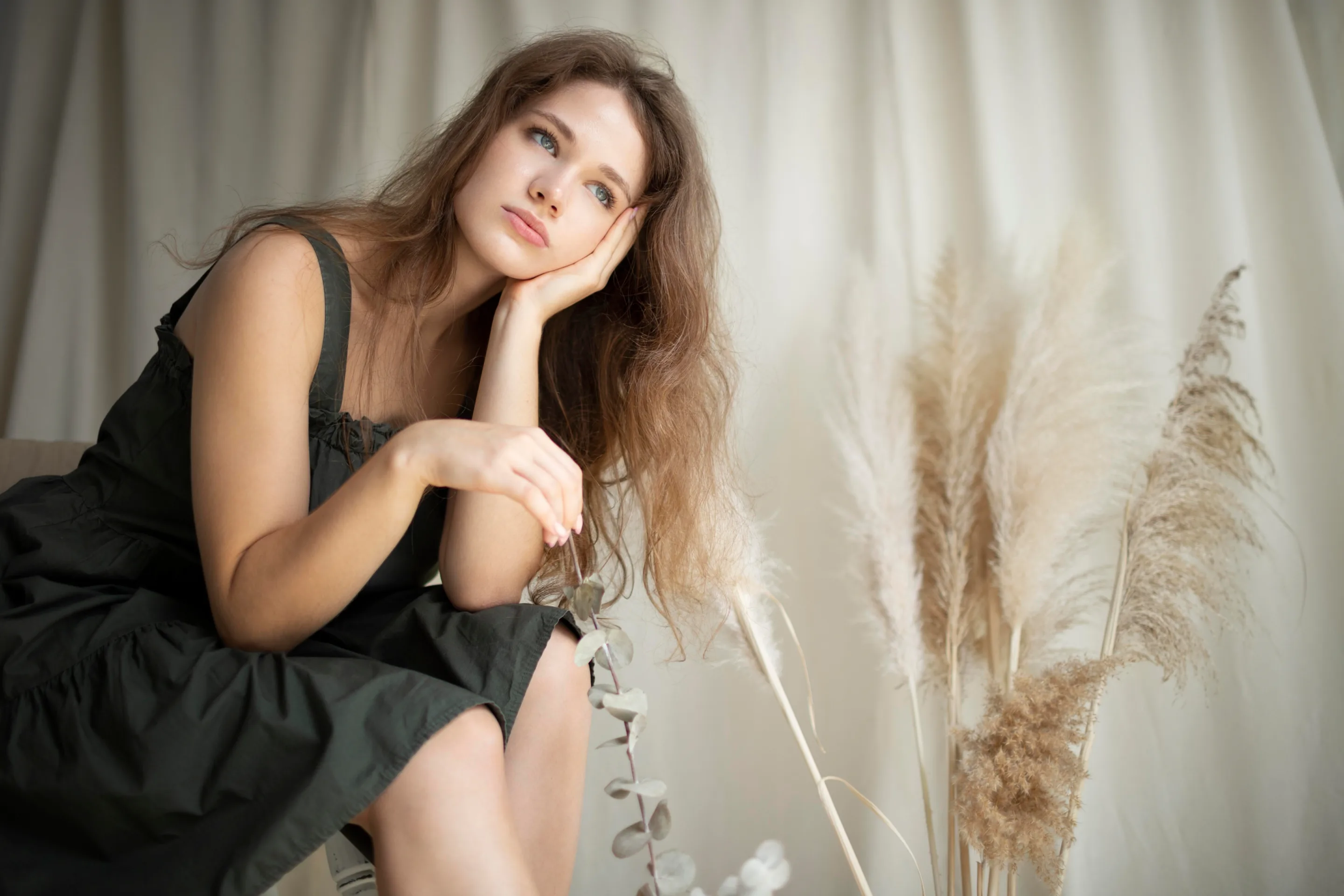
Premium Skincare Video Ad

Use this prompt

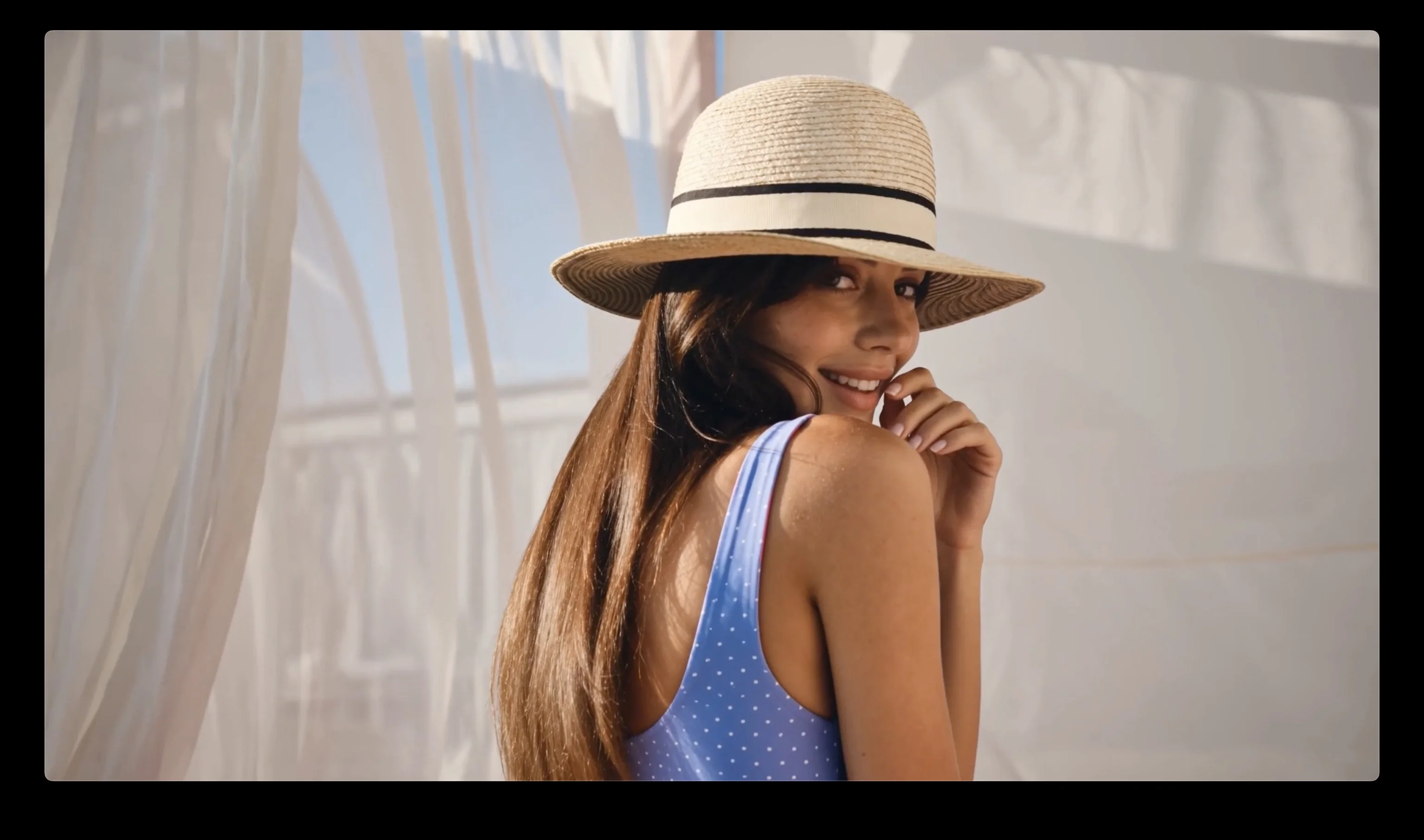
Create a cinematic skincare advertisement with a close-up portrait, soft morning light, hydrated skin detail, and a calm luxury mood. Begin with the subject touching her cheek, reveal the bottle in a slow macro shot, then end with a confident smile. Keep the face, product shape, and label consistent throughout the clip.
Premium Skincare Video Ad

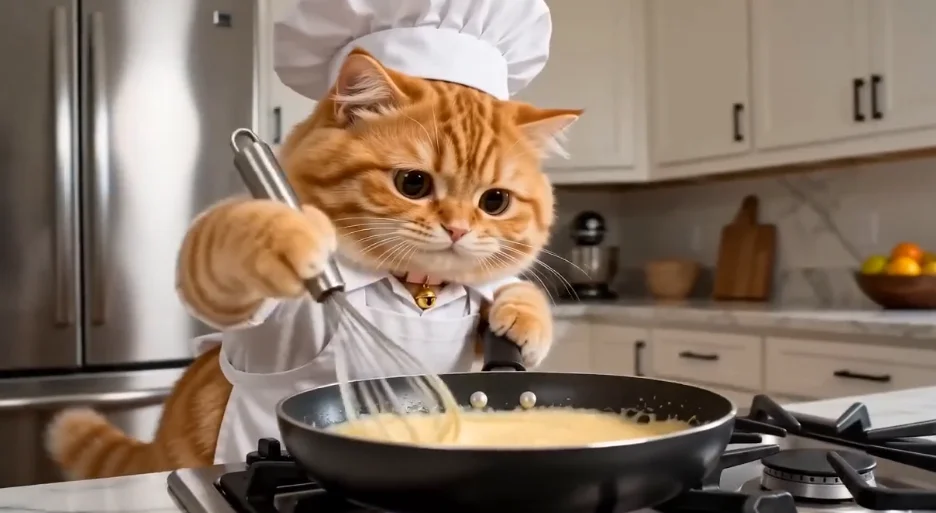
TikTok Chef Cat Cooking Pasta

Use this prompt

Create a playful vertical cooking clip of a friendly orange cat wearing a chef hat and preparing pasta in a warm home kitchen. The cat stirs the pan, tastes the sauce, reacts with delight, and presents the finished dish. Use expressive timing, gentle camera movement, appetizing steam, and a cheerful TikTok pace.
TikTok Chef Cat Cooking Pasta

One fits each.

Different models excel at different tasks. Access them all through the single platform ManyO — switch freely, pay-as-you-go.

If you need...Recommendation modelReasons for recommendationRecommended action
Longest clips at full HDWan 2.71080p output up to 15 seconds, with end-frame control for stable, directed scenes.
Multi-shot stories with soundSeedance 2.0Multi-shot storytelling and built-in sound generation, up to 4K.
Native audio in a single passMiniMax H3Native audio at 2K, 5 to 15 seconds, with no separate audio step.
Fast iteration on a budgetWan 2.2About one minute per clip from 35 credits — built for testing prompts quickly.
Lowest cost per generationSeedance Pro fastEntry-level pricing from 20 credits while keeping output usable.
Film-grade motion and physicsHailuo 2.3 ProFixed-length 1080p clips with premium motion quality and physics-aware movement.
Flexible clip lengthGrok Imagine Video v1.5480p to 1080p with a 4 to 15 second range, from 40 credits.
  • Longest clips at full HD

    Wan 2.7

    1080p output up to 15 seconds, with end-frame control for stable, directed scenes.

  • Multi-shot stories with sound

    Seedance 2.0

    Multi-shot storytelling and built-in sound generation, up to 4K.

  • Native audio in a single pass

    MiniMax H3

    Native audio at 2K, 5 to 15 seconds, with no separate audio step.

  • Fast iteration on a budget

    Wan 2.2

    About one minute per clip from 35 credits — built for testing prompts quickly.

  • Lowest cost per generation

    Seedance Pro fast

    Entry-level pricing from 20 credits while keeping output usable.

  • Film-grade motion and physics

    Hailuo 2.3 Pro

    Fixed-length 1080p clips with premium motion quality and physics-aware movement.

  • Flexible clip length

    Grok Imagine Video v1.5

    480p to 1080p with a 4 to 15 second range, from 40 credits.

Text-to-video for real content workflows.

Turn a campaign brief into a motion concept

Describe the product, audience, setting, action, camera, and final message to create concept clips for launches, ads, landing pages, and pitches before a full production begins.

Create channel-ready ideas from a written hook

Build short vertical, square, or landscape concepts around a clear opening beat, subject action, and closing moment, then compare Takes before publishing or editing further.
Visualize a process or concept without filming first

Write a focused sequence for an abstract idea, historical setting, scientific process, or lesson opener, with pacing and framing matched to the learning goal.
One text-to-video workspace from prompt to clip.

Motion-led prompting

Describe what unfolds across time, including the subject's action, camera behavior, environment, and final beat.

Supported video models

Compare different model interpretations while keeping the creative brief available for the next Take.

Model-dependent output

Select from the quality and resolution controls offered by the active model instead of assuming one universal format.

Camera and pacing direction

Use prompt language for framing, camera movement, subject motion, rhythm, and atmosphere when the model supports it.

Aspect ratio and duration

Choose the available frame and clip length that fit social posts, ads, explainers, or concept reviews.

Take management

Preview, compare, regenerate, favorite, and download results without losing the prompt direction that worked.

Text-to-video workflows for teams with ideas to show.

  • Creators and social teams

    Turn hooks, scripts, and recurring content themes into short visual concepts for feeds, stories, channels, and pitches.

  • Marketers and product teams

    Translate campaign briefs into motion directions for launches, ads, landing pages, and stakeholder review before production.

  • Filmmakers and creative directors

    Previsualize scenes, atmosphere, camera language, and story beats when a written treatment needs a frame everyone can discuss.

Explore more ways to create video
on ManyO

Image to VideoText to VideoVideo to VideoAllmage AnimatorMulti-Reference to VideoSeedance 2.0
Veo 3Sora 2Kling 3.0 Motion Controlwan 2.7Grok ImagineVideo Enhancer
Video Watermark RemoverVideo Background RemoverVideo EditorAI Talking Avatar
View All Tools

How teams use text-to-video on ManyO

  • Writing the camera and action into the prompt gives me a concrete clip to discuss before I open an editing timeline.
    ESSO AI Show

    ESSO AI Show

    Content Creator

  • I compare the same brief across models to see which one understands the pacing and atmosphere closest to our campaign.

    ESSO AI Show

    ESSO AI Show

    Content Creator

  • Independent Takes let me keep a strong opening shot while I test different endings instead of starting the whole idea again.

    ESSO AI Show

    ESSO AI Show

    Content Creator

  • Text-to-video helps our team turn a written pitch into motion references that clients can react to much earlier.

    Mira Studio

    Mira Studio

    Creative Producer

  • The available duration and aspect-ratio controls make it easier to plan concepts for each social placement before generating.

    Nova Reels

    Nova Reels

    Video Marketer

  • Writing the camera and action into the prompt gives me a concrete clip to discuss before I open an editing timeline.

    ESSO AI Show

    ESSO AI Show

    Content Creator

  • I compare the same brief across models to see which one understands the pacing and atmosphere closest to our campaign.

    ESSO AI Show

    ESSO AI Show

    Content Creator

  • Independent Takes let me keep a strong opening shot while I test different endings instead of starting the whole idea again.

    ESSO AI Show

    ESSO AI Show

    Content Creator

  • Text-to-video helps our team turn a written pitch into motion references that clients can react to much earlier.

    Mira Studio

    Mira Studio

    Creative Producer

  • The available duration and aspect-ratio controls make it easier to plan concepts for each social placement before generating.

    Nova Reels

    Nova Reels

    Video Marketer

Text-to-Video Generator FAQs

Answers about prompts, supported controls, credits, iteration, and using generated clips.

What is a text-to-video generator?
A text-to-video generator interprets a written prompt as a time-based scene and creates a video clip. Strong prompts describe the subject, action, environment, camera, lighting, mood, and pacing.
Can I start text-to-video generation for free?
You can explore the workspace before signing in. Generation requires an account and credits; available starter credits and each Take's cost depend on the current offer, model, duration, quality, and other selected settings.
What should I include in a text-to-video prompt?
Describe who or what appears, what changes over time, where the action happens, how the camera frames or moves, the visual style, light, pace, and the intended final beat.
Which video settings can I control?
Available models can expose different aspect ratios, durations, quality levels, and resolutions. The workspace shows only the controls supported by the active model.
What can I do after a video is generated?
You can preview, compare, regenerate, favorite, and download supported results. Review the applicable terms and any rights or consent requirements before publishing or using a clip commercially.

Turn your next prompt into
an AI video.

Choose a supported model, review the settings and credit cost, then sign in to generate with the credits available in your account.