Mes atouts
Explorer
Vidéo IA
AI Image
ManyO.aiDu multiple à l’un
Création
  • Générateur d'images IA
  • Texte en image
  • Image à image
  • Générateur vidéo IA
  • Texte en vidéo
  • Image en vidéo
  • Vidéo vers vidéo
Tous les outils
  • Explorer
  • Tarifs
À propos
  • À propos de ManyO
  • Contactez-nous
  • Conditions d'utilisation
  • politique de confidentialité
  • Solutions d'IA
  • Ressources IA
1

Image source

Cliquez ou déposez une image ici JPG, JPEG, PNG ou WEBP, jusqu'à 20 Mo

2

Image cible

Cliquez ou déposez une image ici JPG, JPEG, PNG ou WEBP, jusqu'à 20 Mo

Exemples

Échange de visage IAexemple d'image
  • Seedance
  • Happy Horse
  • Kling
  • Google Omni
  • Sora
  • Wan
  • Runway
  • Midjourney
  • Grok
  • Seedance
  • Happy Horse
  • Kling
  • Google Omni
  • Sora
  • Wan
  • Runway
  • Midjourney
  • Grok
  • Seedance
  • Happy Horse
  • Kling
  • Google Omni
  • Sora
  • Wan
  • Runway
  • Midjourney
  • Grok

Free AI Face Swap Photo Editor:
Swap Faces in Images Online

Upload a source image and a target face to create a natural AI face swap in seconds. Preserve expression, lighting, and image detail while making portraits, social posts, and creative edits.

How to Use AI Face Swap
for Photos on ManyO?

  1. Step 1: Upload the source image and target face

    Choose a clear source image and upload the portrait whose face you want to use. Front-facing photos with good lighting usually produce the most natural result.

  2. Step 2: Check the face swap settings

    Review the selected images and make sure the face is visible, well framed, and suitable for the edit before starting generation.

  3. Step 3: Generate your AI face swap photo

    Click Generate to blend the target face into the source image. Preview the result, download it, or try another pair of images for a new take.

AI Face Swap Photo Prompt Ideas

Explore creative portrait prompts for profile photos, social posts, character edits, and campaign visuals made with AI face swap.

Editorial Portrait

Cinematic Character Edit

Social Profile Portrait

Studio Lighting Swap

Travel Poster Portrait

Creative Campaign Visual

Editorial Portrait

Cinematic Character Edit

Social Profile Portrait

Studio Lighting Swap

Travel Poster Portrait

Creative Campaign Visual

Editorial Portrait

Cinematic Character Edit

Social Profile Portrait

Studio Lighting Swap

Travel Poster Portrait

Creative Campaign Visual

Why Choose an AI Face Swap Photo Editor in ManyO

Create natural face swaps from two images in moments. ManyO helps you explore expressive portraits, creative edits, and polished social visuals without manual masking. No complicated editing tools. Upload your images and refine your visual ideas with confidence.

  • Natural Face Blending

    AI matches facial position, expression, skin tone, and lighting so the replacement face fits the source image more convincingly.

  • Source and Target Image Control

    Use one image for the scene and another for the face you want to add. Review both inputs before generating.

  • One-Click AI Face Swap

    Skip layers, masks, and manual retouching. Upload two images and let ManyO handle the core face replacement workflow.

  • Made for Creators and Everyday Edits

    Create profile portraits, social content, character concepts, campaign mockups, and playful photo variations with minimal effort.

Identity and Couple Prompt Cases: Keep People Natural

Guide face, pose, expression, and relationship details while preserving the identity and visual consistency of the people in the reference.

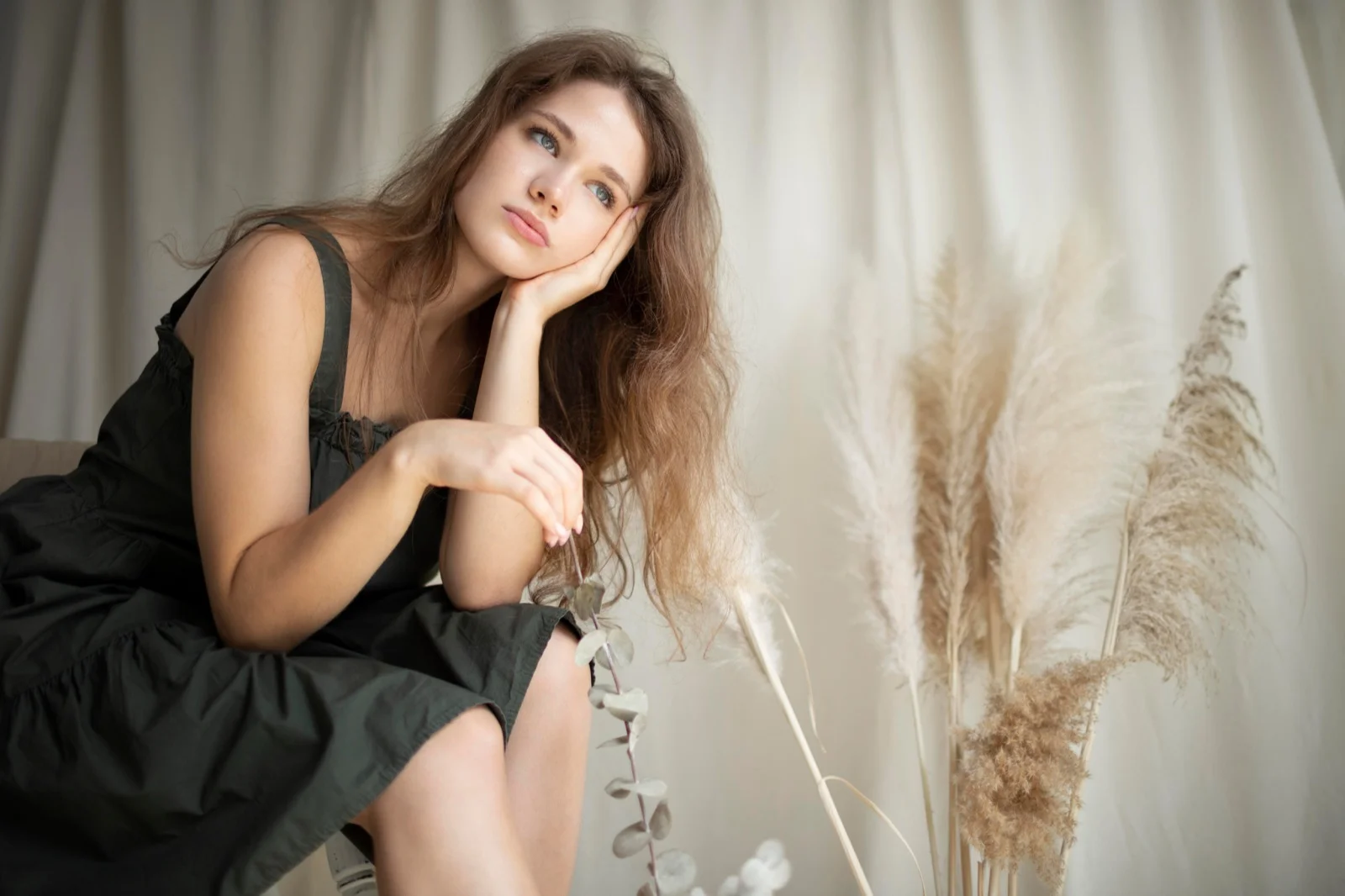
Identity-Preserving Portrait

Use this prompt

Create a polished portrait using the authorized identity reference while preserving the subject's expression, pose, lighting direction, skin tone, hairline, and natural image detail. Keep the result realistic with no seams, warped features, or change to the surrounding composition.
Identity-Preserving Portrait

Romantic Couple Portrait

Use this prompt

Create a warm romantic portrait of the two people from the references walking together at golden hour. Preserve both identities, natural proportions, hairstyle, and recognizable features. Add soft backlight, a gentle candid smile, coordinated neutral styling, and an elegant editorial composition.

Romantic Couple Portrait

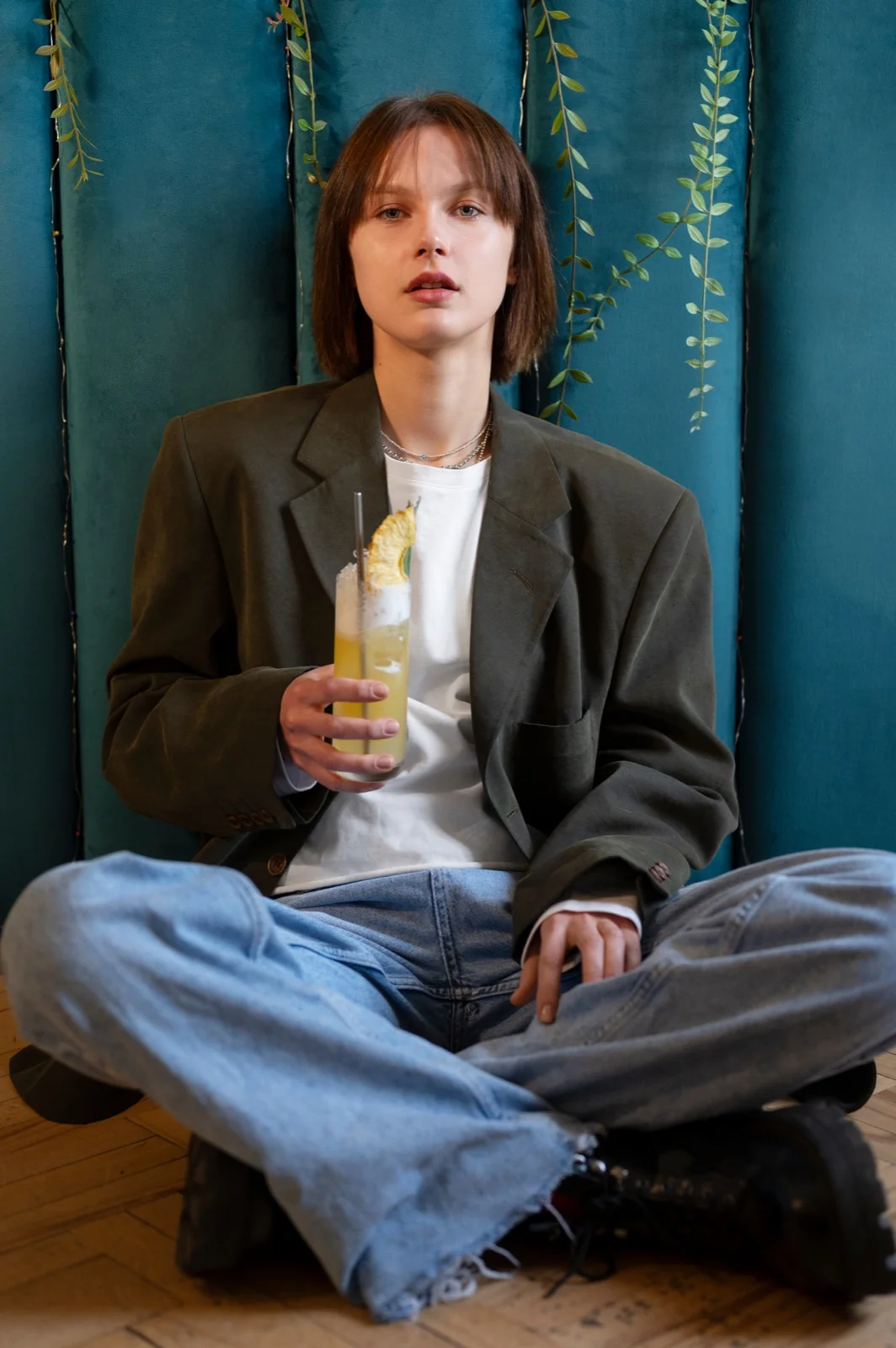
Soft Kiss Scene

Use this prompt

Create a tasteful close-up kiss scene from the authorized portraits. Preserve both faces, age, body proportions, hairstyle, and natural expressions. Use warm window light, a quiet intimate mood, subtle depth of field, realistic hand placement, and a polished cinematic portrait finish.
Soft Kiss Scene

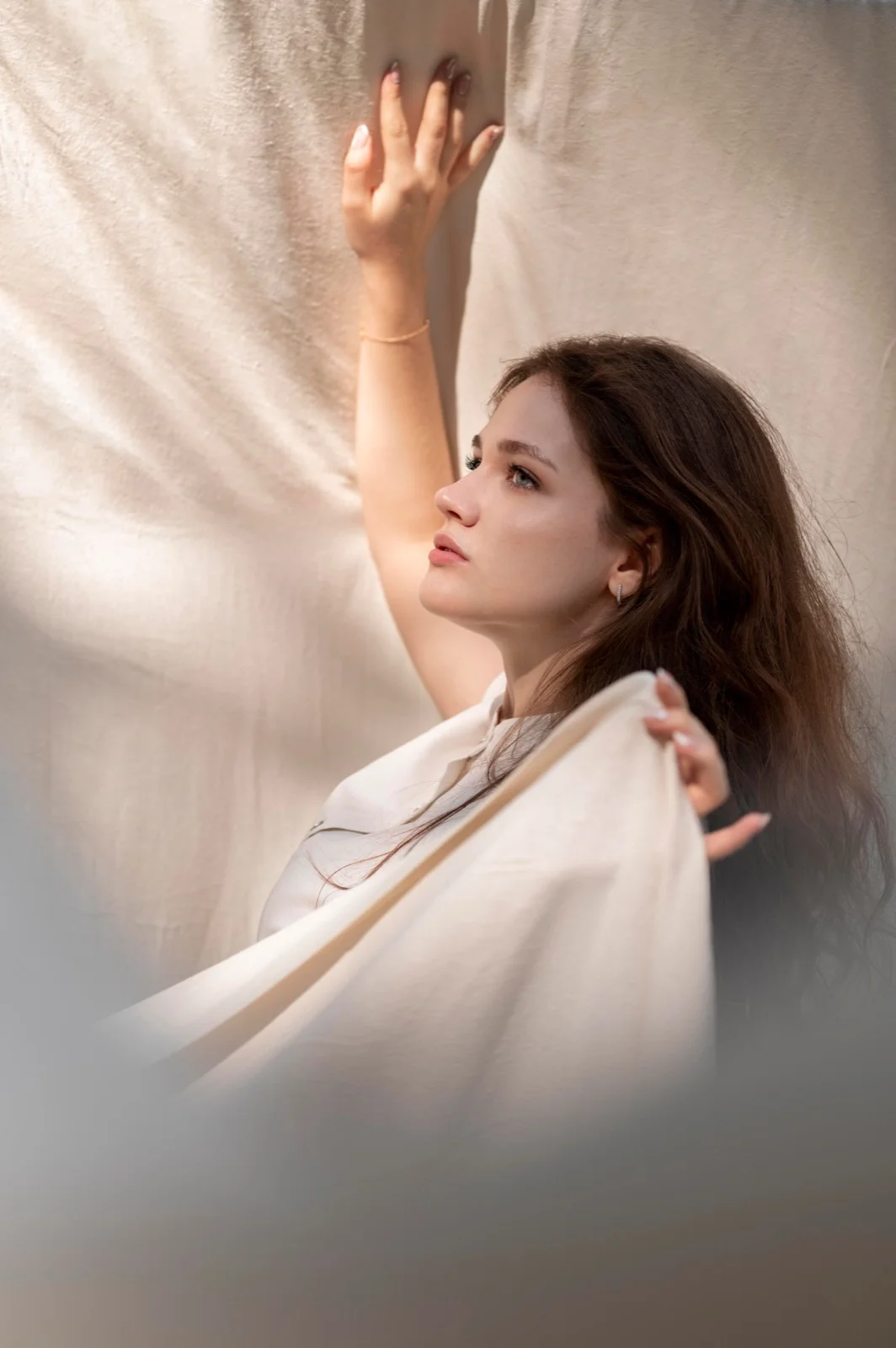
Warm Hug Moment

Use this prompt

Create a natural embrace between the people in the reference images. Keep identities, clothing colors, proportions, and facial details consistent. Add a soft outdoor evening atmosphere, relaxed body language, gentle rim light, and a heartfelt documentary-style composition.
Warm Hug Moment

AI Face Swap Photo Ideas for portraits, social posts, and campaigns

Create Campaign Portraits from Existing Images

Create Campaign Portraits from Existing Images

Adapt approved portraits into new campaign concepts, mood boards, and promotional visuals while keeping the original composition recognizable.
Create Scroll-Stopping Portrait Edits

Create Scroll-Stopping Portrait Edits

Turn source images into fresh profile photos, themed posts, and playful social variations without rebuilding the scene from scratch.
Explore Character and Concept Visuals

Explore Character and Concept Visuals

Use face swap to test casting ideas, character concepts, and visual references before investing in a full photo shoot or production.
AI Face Swap for Every Creative Workflow.

  • Social Media Creators

    Social Media Creators

    Create fresh profile portraits, themed posts, and playful edits without complicated retouching software.

  • Marketing Teams and Online Stores

    Marketing Teams and Online Stores

    Prototype campaign portraits and visual concepts faster using existing approved image assets.
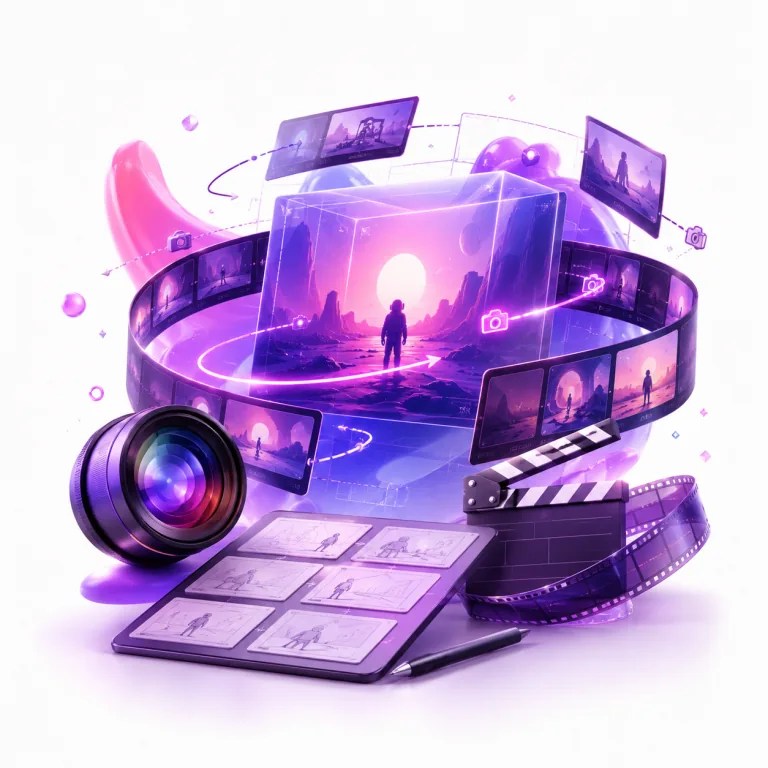
  • Indie Filmmakers and Designers

    Indie Filmmakers and Designers

    Test character directions, casting references, and visual stories before a full production begins.

Creators Are Using ManyO for Face Swap Photos

  • ManyO makes face swap editing approachable. I can test portrait directions quickly without opening a complex editor.
    ESSO AI Show

    ESSO AI Show

    Content Creator

  • The source and target workflow is clear, and the results are useful for trying out new social image concepts.
    ESSO AI Show

    ESSO AI Show

    Content Creator

  • I use AI face swap to turn rough visual ideas into polished portrait references in just a few steps.
    ESSO AI Show

    ESSO AI Show

    Content Creator

  • ManyO helps me explore campaign portrait directions before I hand the approved concept to a designer.
    Mira Studio

    Mira Studio

    Creative Producer

  • It is a fast way to create fresh social visuals from images I already have permission to use.
    Nova Reels

    Nova Reels

    Social Marketer

  • ManyO makes face swap editing approachable. I can test portrait directions quickly without opening a complex editor.

    ESSO AI Show

    ESSO AI Show

    Content Creator

  • The source and target workflow is clear, and the results are useful for trying out new social image concepts.

    ESSO AI Show

    ESSO AI Show

    Content Creator

  • I use AI face swap to turn rough visual ideas into polished portrait references in just a few steps.

    ESSO AI Show

    ESSO AI Show

    Content Creator

  • ManyO helps me explore campaign portrait directions before I hand the approved concept to a designer.

    Mira Studio

    Mira Studio

    Creative Producer

  • It is a fast way to create fresh social visuals from images I already have permission to use.

    Nova Reels

    Nova Reels

    Social Marketer

AI Face Swap Photo Editor FAQs

Common questions about swapping faces in images with AI on ManyO.

What is an AI face swap photo editor?
An AI face swap photo editor replaces a face in a source image with a face from a target portrait while trying to preserve the original expression, lighting, pose, and scene.
Can I try AI face swap for photos for free?
You can open the workflow online and start with available credits. Final generation cost depends on your account balance and the selected generation settings.
Do I need photo editing experience?
No. Upload a source image and a target face, review the inputs, and let ManyO handle the face replacement process.
Can I download the generated face swap image?
Yes. After generation, you can preview the result and download the finished image according to your plan and available credits.
Are my uploaded face swap images private?
Your uploads and generated results stay inside your ManyO workspace. Only use images you own or have permission and consent to edit.

Create Your AI Face Swap
Photo on ManyO

Upload a source image and target face to create a natural photo edit in moments.

ManyO.aiDu multiple à l’un
Création
  • Générateur d'images IA
  • Texte en image
  • Image à image
  • Générateur vidéo IA
  • Texte en vidéo
  • Image en vidéo
  • Vidéo vers vidéo
Tous les outils
  • Explorer
  • Tarifs
À propos
  • À propos de ManyO
  • Contactez-nous
  • Conditions d'utilisation
  • politique de confidentialité
  • Solutions d'IA
  • Ressources IA