I miei beni
Esplorare
ManyO.aiMolti a uno.

Creazione

  • Generatore di immagini AI
  • Testo in immagine
  • Immagine in immagine
  • Generatore video AI
  • Testo in video
  • Immagine in video
  • Da video a video

Tutti gli strumenti

  • Esplorare
  • Prezzi

Informazioni

  • Informazioni su ManyO
  • Contattaci
  • Termini di servizio
  • politica sulla riservatezza
  • Soluzioni IA
  • Risorse sull'intelligenza artificiale
MODELLI
RICHIESTA
192 /10000
Crediti richiesti:—
EsempiVisualizza record

Richiesta

Un guardiano solitario del faro osserva l'alba da una scogliera, un drone ad angolo basso si spinge verso la torre, la luce dell'ora d'oro, riflessi di lenti anamorfiche, una dolce nebbia marina che fluttua attraverso l'inquadratura. Grado di colore cinematografico, profondità di campo ridotta, 5 secondi.

  • Seedance
  • Happy Horse
  • Kling
  • Google Omni
  • Sora
  • Wan
  • Runway
  • Midjourney
  • Grok
  • Seedance
  • Happy Horse
  • Kling
  • Google Omni
  • Sora
  • Wan
  • Runway
  • Midjourney
  • Grok
  • Seedance
  • Happy Horse
  • Kling
  • Google Omni
  • Sora
  • Wan
  • Runway
  • Midjourney
  • Grok

AI Video-to-Video Generator:
Restyle Existing Footage

Upload an MP4, WebM, or MOV source clip, describe the new visual direction, and create model-guided variations that use the original footage as motion and timing context. Available controls depend on the selected model.

How to Restyle a Video with AI
on ManyO

  1. Step 1: Upload your source video

    Choose an MP4, WebM, or MOV clip with clear subjects and motion. The source footage gives the model visual, timing, and movement context for the transformation.

  2. Step 2: Describe the target look

    Explain the style, environment, palette, texture, lighting, wardrobe, or atmosphere you want, and state which subjects or actions should remain recognizable.

  3. Step 3: Choose settings and generate

    Select a supported model and its available quality, duration, or resolution controls, review the credit cost, then generate and download the Take you want to keep.

Video-to-Video Style Directions

A useful restyle prompt names the new visual language while respecting the source clip's subject, motion, and timing. Use these directions to explore different treatments without describing a new video from zero.

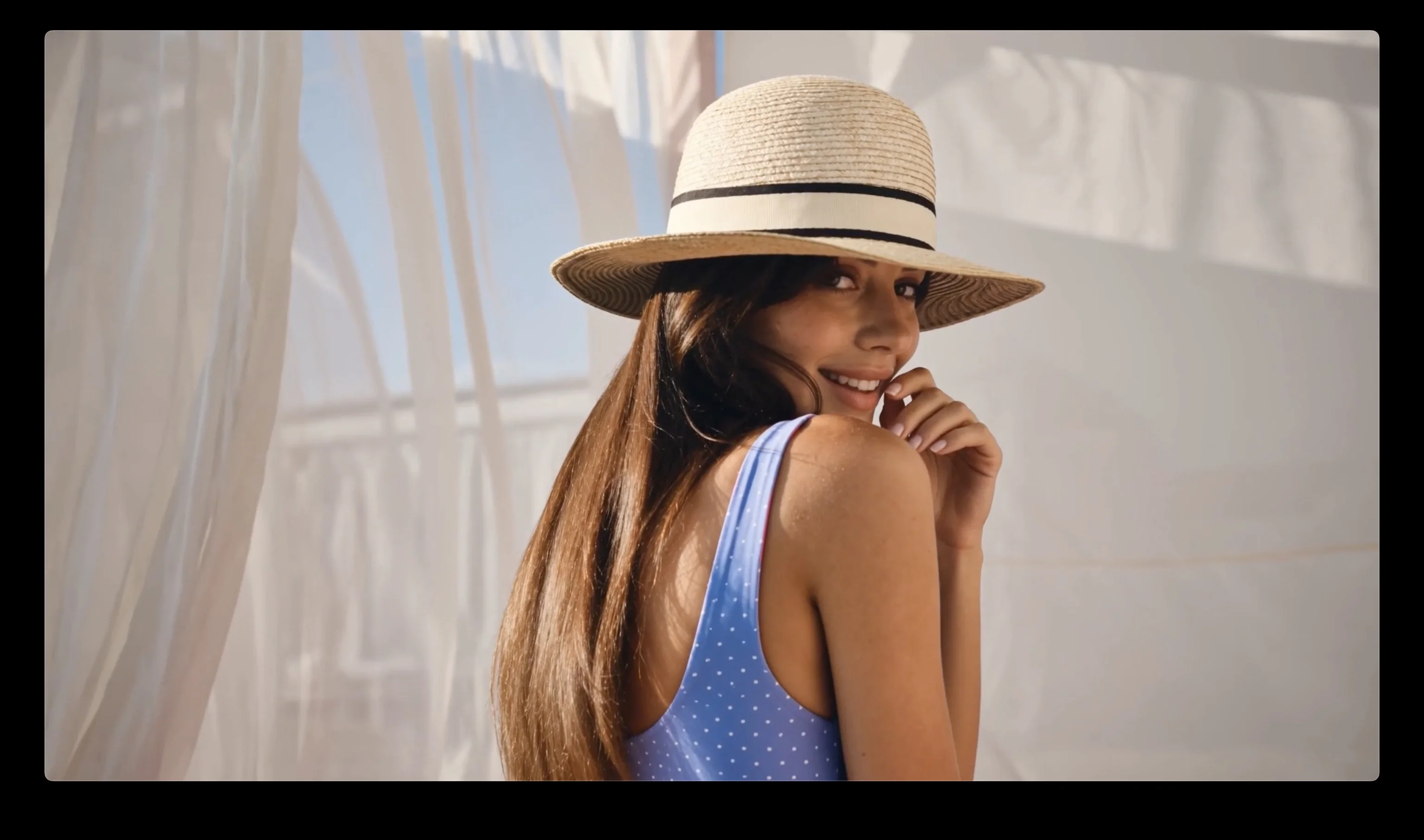
Cinematic Opening Restyle

Character Motion Treatment

Graphic Crowd Sequence

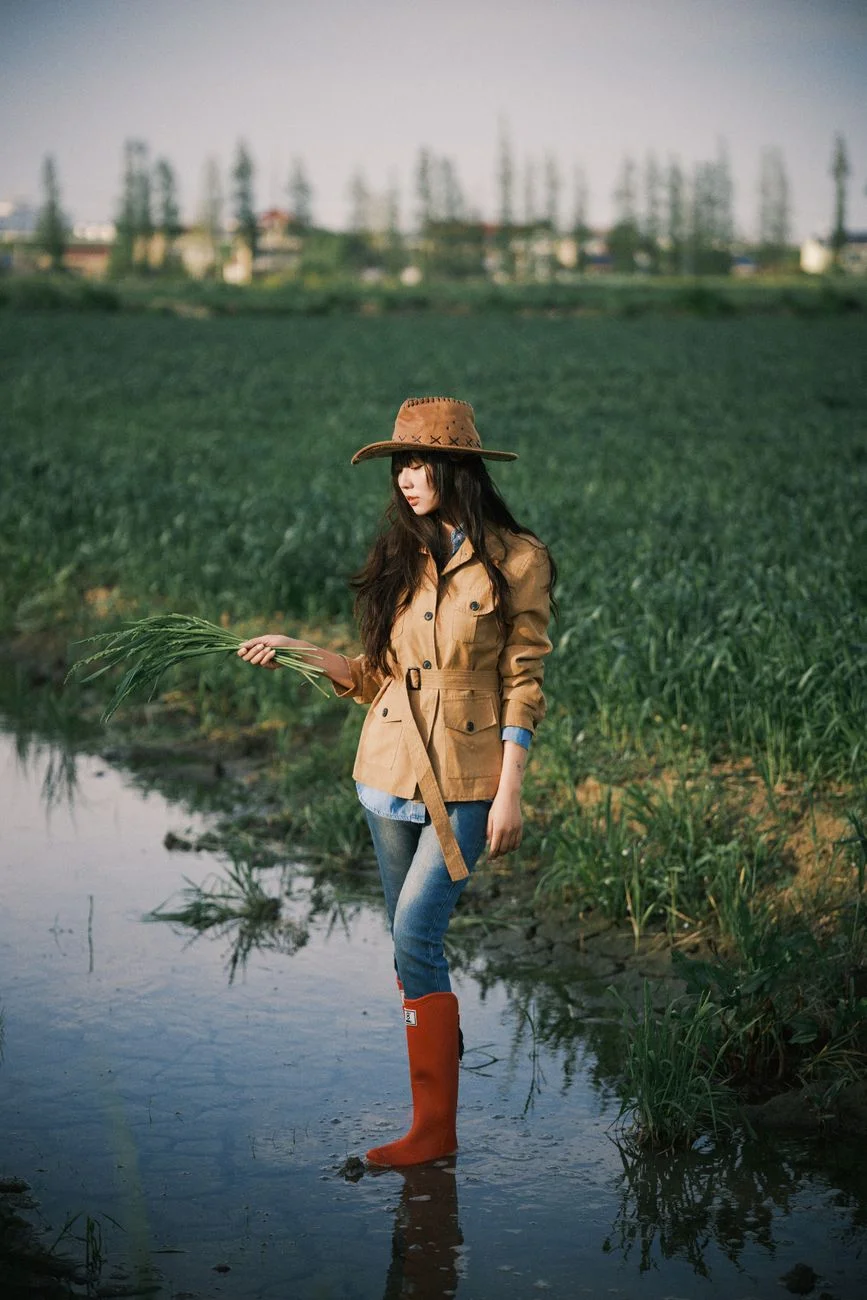
Atmospheric Outdoor Grade

Stylized Entrance Variation

Celebration Scene Restyle

Why restyle video in ManyO

Keep the source motion as context while you explore a new visual language through prompts, supported models, and independent Takes.

  • Source-aware transformation

    Begin with existing footage so the model can use its subjects, sequence, motion, and timing as context for the new result.

  • Prompt-directed restyling

    Define the target palette, texture, environment, lighting, wardrobe, rendering style, or cinematic atmosphere in plain language.

  • Independent style Takes

    Compare several treatments without overwriting the source clip or an earlier variation that still fits the brief.

  • Model-aware controls

    Choose from the quality, duration, and resolution options the active video-to-video model actually supports.

Video-to-Video Prompt Cases: Restyle the Motion

Keep the source performance and timing while directing a new visual language, environment, camera finish, or genre.

Cinematic Film Restyle

Use this prompt

Restyle the source footage as a cinematic 35mm film scene. Preserve the subject's actions, timing, camera direction, and composition while adding natural film grain, richer contrast, soft halation, and warm dusk color grading. Keep faces and hands stable across every frame.
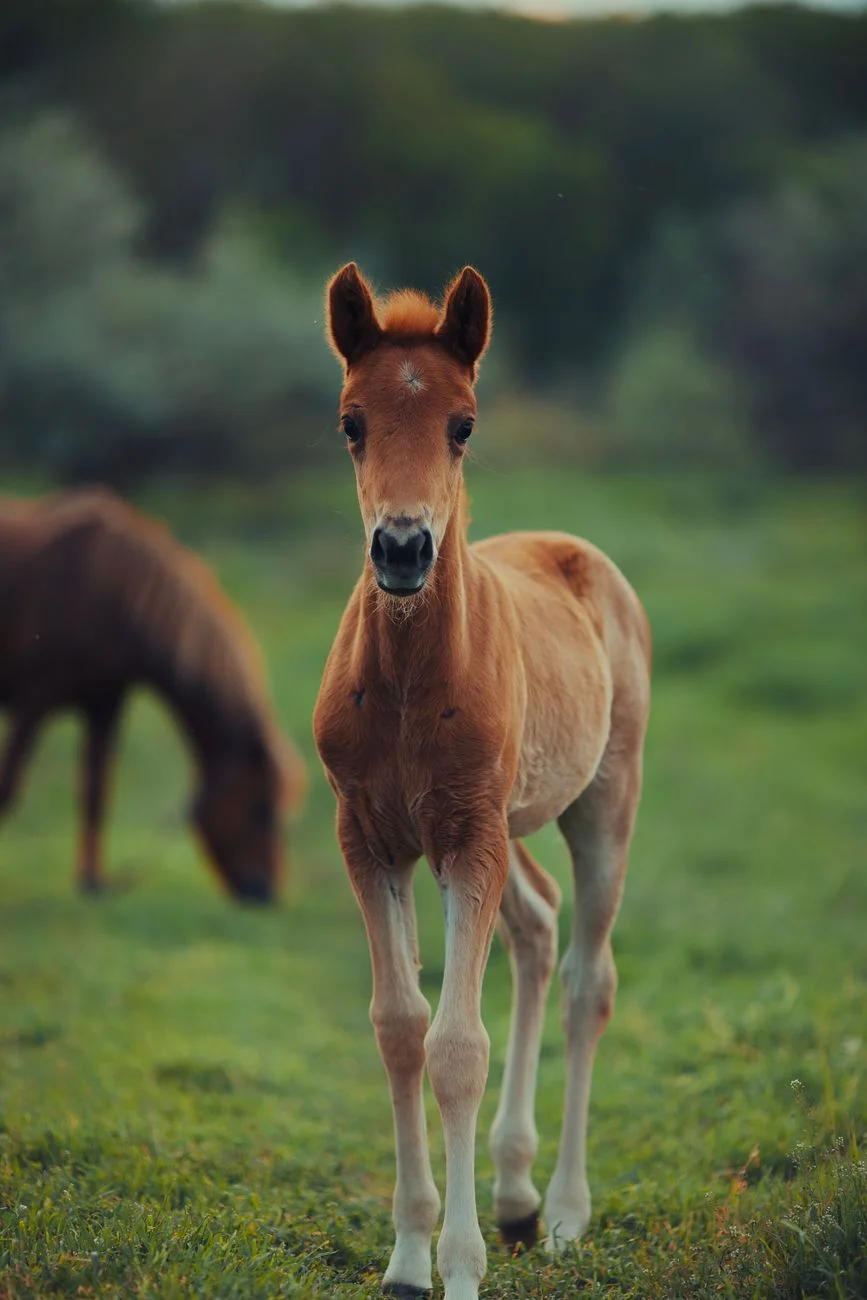
Cinematic Film Restyle

Dance Performance Upgrade

Use this prompt

Transform the source dance into a polished music-video performance. Preserve the choreography, beat timing, body proportions, and outfit while adding controlled stage lights, subtle haze, energetic camera arcs, and crisp editorial contrast. The movement should remain smooth and synchronized from beginning to end.
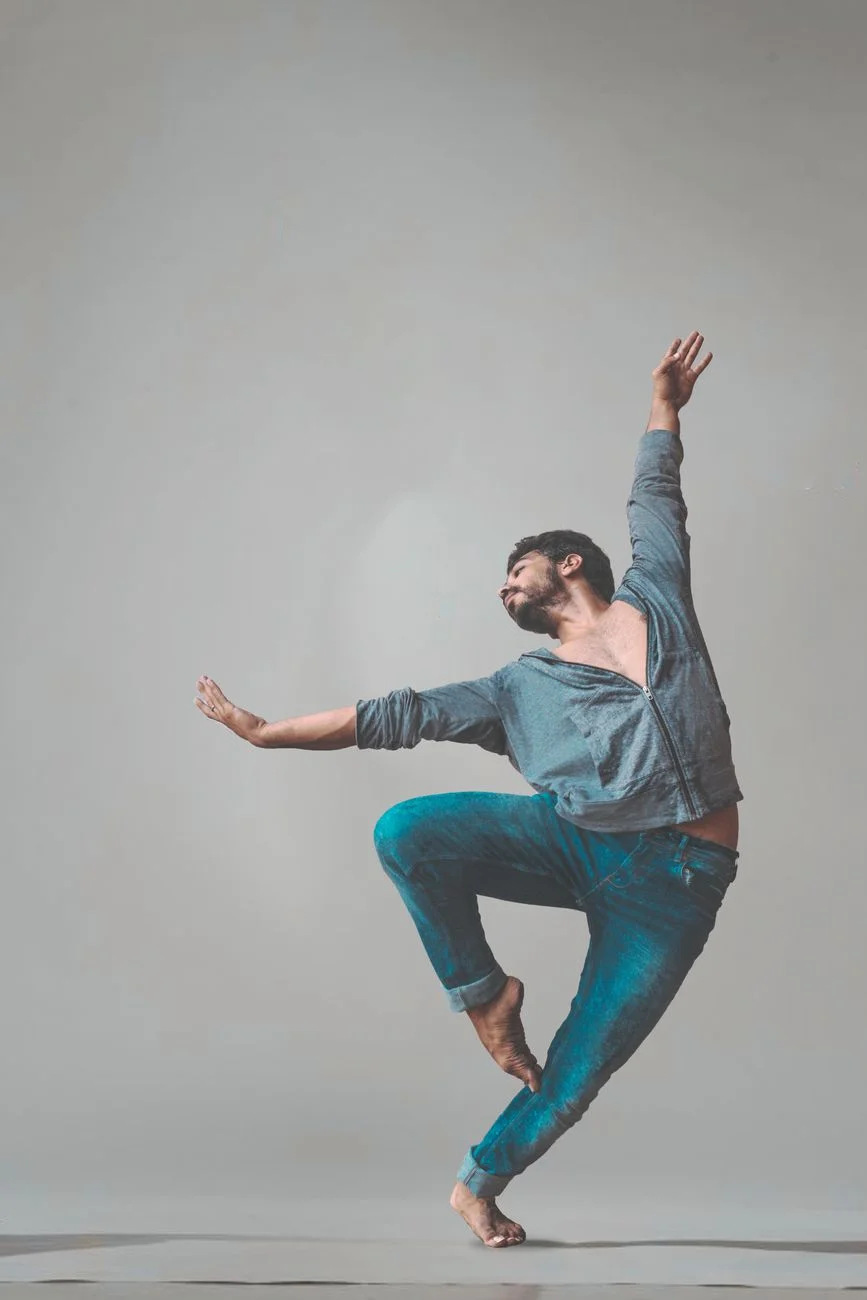
Dance Performance Upgrade

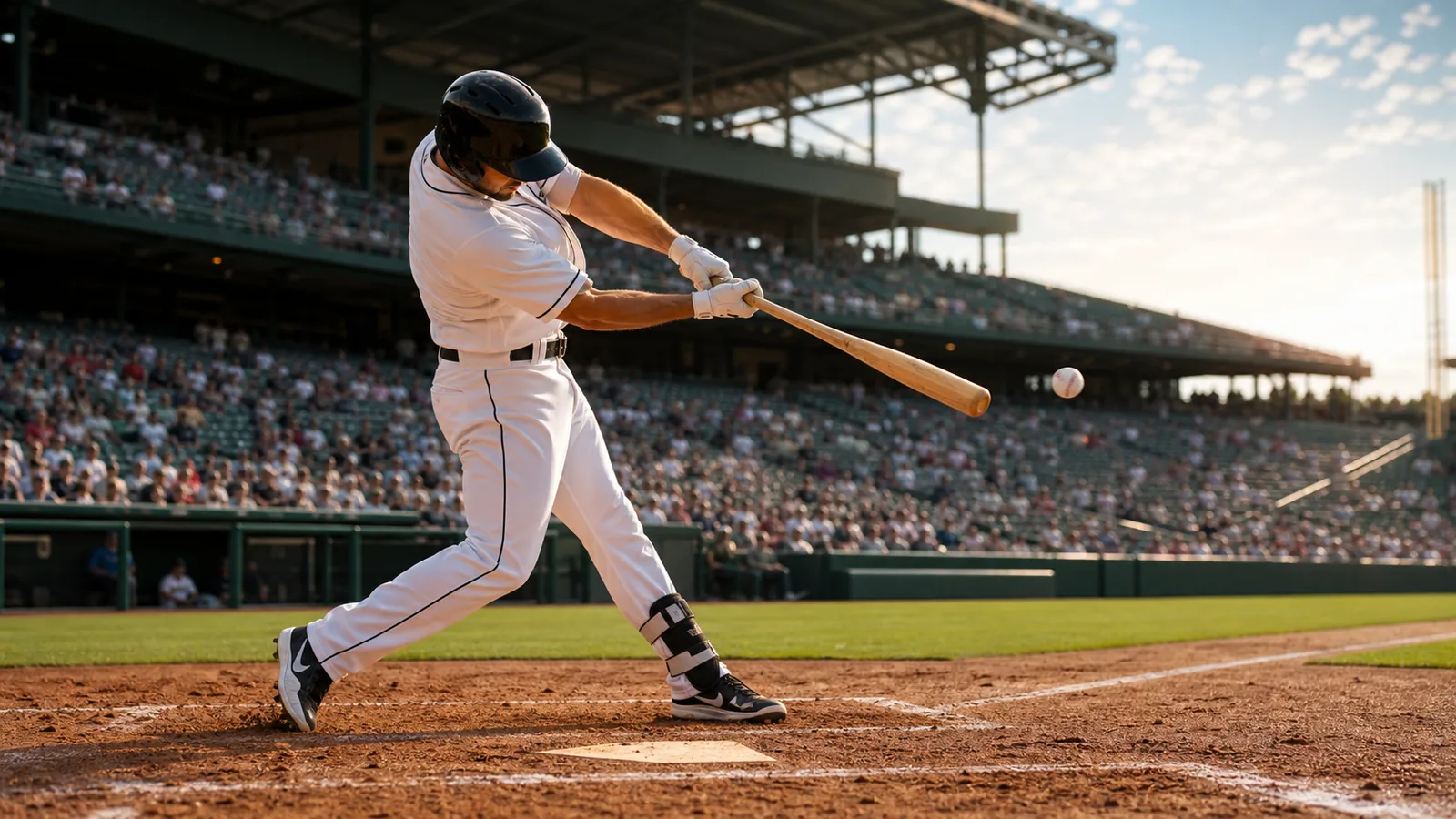
Stadium Sports Highlight

Use this prompt

Turn the source action into a dramatic stadium highlight. Keep the athlete's movement and timing intact, add realistic crowd depth, directional floodlights, light camera shake, and a broadcast-ready sports grade. Emphasize the key action beat with a short, smooth slow-motion accent.
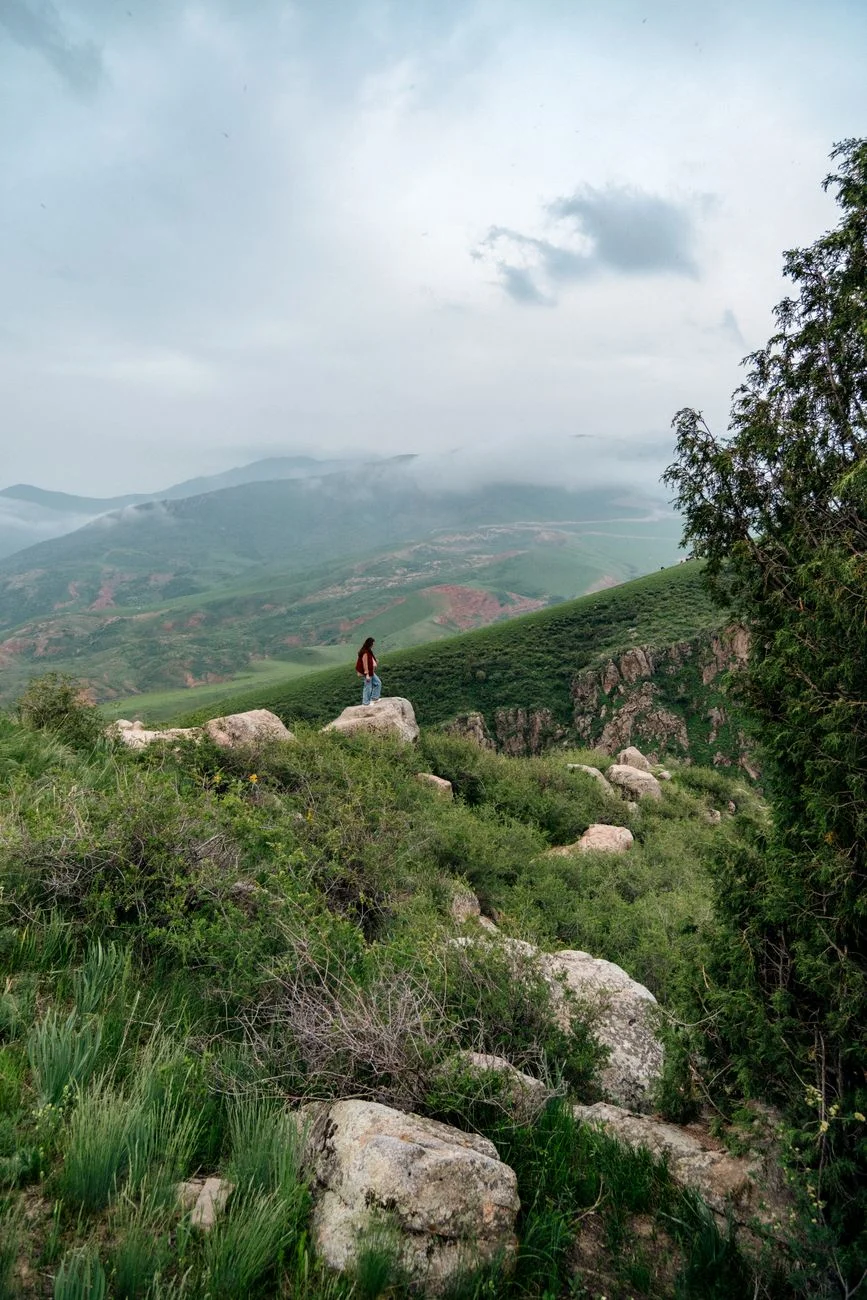
Stadium Sports Highlight

Fantasy World Transformation

Use this prompt

Restyle the footage as a high-detail fantasy journey through a glowing forest. Preserve the subject's gestures and camera movement while replacing the environment with luminous plants, drifting particles, soft fog, and magical blue-green light. Keep the subject readable and the motion physically coherent.
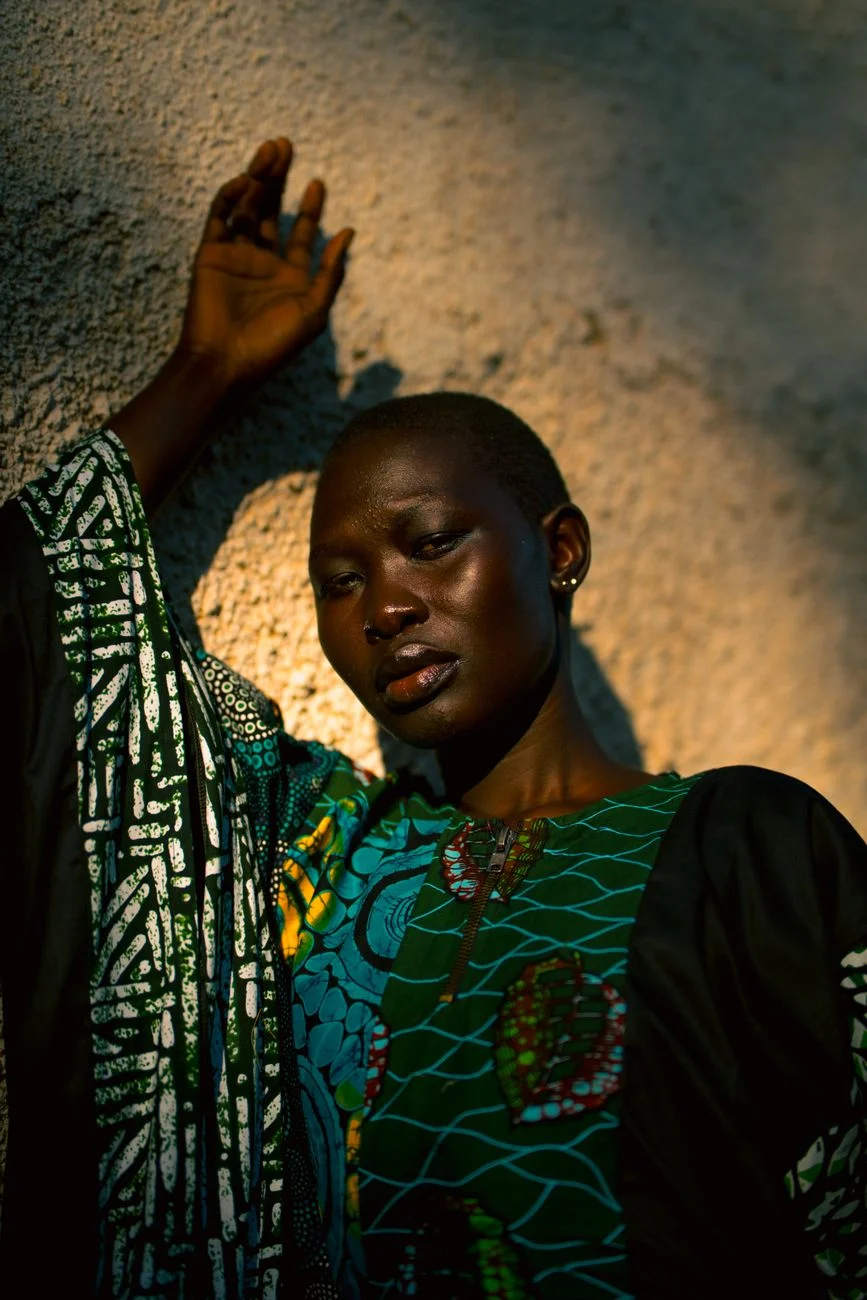
Fantasy World Transformation

One fits each.

Different models excel at different tasks. Access them all through the single platform ManyO — switch freely, pay-as-you-go.

If you need...Recommendation modelReasons for recommendationRecommended action
Highest quality restyleWan 2.7720p and 1080p video-to-video restyling at 5 or 10 seconds.
HD restyle at lower costWan 2.1 V2V 720p720p restyling with 5 and 10 second options.
Fastest preview passWan 2.1 V2V 480p480p restyling for quick look development before a final render.
  • Highest quality restyle

    Wan 2.7

    720p and 1080p video-to-video restyling at 5 or 10 seconds.

  • HD restyle at lower cost

    Wan 2.1 V2V 720p

    720p restyling with 5 and 10 second options.

  • Fastest preview pass

    Wan 2.1 V2V 480p

    480p restyling for quick look development before a final render.

Video-to-video for restyling and adaptation.

Refresh approved footage for a new campaign direction

Use an existing product, brand, or launch clip as the motion base, then explore a new palette, environment, texture, or seasonal treatment before committing to a full reshoot.

Give familiar footage a new visual identity

Rework creator clips, performance moments, or recurring series into stylized variations while using the original action and timing as context for each Take.
Test a visual treatment on moving footage

Use a source scene, performance, or previz clip to compare cinematic, illustrative, or atmospheric directions during creative development and review.
One video-to-video workspace from source to restyle.

Source video context

Use an existing clip as the visual and temporal anchor instead of rebuilding its subject and motion from a blank prompt.

Supported restyle models

Compare model interpretations while keeping the source footage and transformation brief ready for another Take.

Model-dependent output

Select from the quality and resolution options exposed by the active model for the result you need.

Motion and timing continuity

Tell the model which gestures, camera moves, sequence, and pacing should remain recognizable, then review the output carefully.

Directed visual treatments

Explore cinematic, illustrative, graphic, textured, seasonal, or atmosphere-led restyles through a focused prompt.

Take comparison and export

Preview, compare, regenerate, favorite, and download results without replacing the source or previous variations.

Video-to-video workflows for teams with footage to evolve.

  • Creators and social teams

    Restyle recurring clips, performances, and short-form footage while keeping the action your audience already recognizes.

  • Brand and marketing teams

    Explore new campaign, seasonal, and channel treatments from approved footage before scheduling another production.

  • Filmmakers and creative studios

    Test grading, world, texture, and art-direction concepts on moving scenes during previz, pitching, and client review.

Explore more AI video workflows
on ManyO

Image to VideoText to VideoVideo to VideoAllmage AnimatorMulti-Reference to VideoSeedance 2.0
Veo 3Sora 2Kling 3.0 Motion Controlwan 2.7Grok ImagineVideo Enhancer
Video Watermark RemoverVideo Background RemoverVideo EditorAI Talking Avatar
View All Tools

How teams use video-to-video on ManyO

  • I can test a bold visual treatment on the actual performance, so the team evaluates style and motion together instead of looking at still references.
    ESSO AI Show

    ESSO AI Show

    Content Creator

  • Keeping the source clip as context helps every restyle start from the same gesture and timing when we compare directions.

    ESSO AI Show

    ESSO AI Show

    Content Creator

  • Independent Takes make it easy to preserve a subtle treatment while I explore a more graphic version for another channel.

    ESSO AI Show

    ESSO AI Show

    Content Creator

  • Video-to-video lets us refresh approved campaign footage for a seasonal pitch before we decide whether a reshoot is justified.

    Mira Studio

    Mira Studio

    Creative Producer

  • I use the prompt to define color, texture, and atmosphere, then review continuity carefully before choosing a clip to export.

    Nova Reels

    Nova Reels

    Video Marketer

  • I can test a bold visual treatment on the actual performance, so the team evaluates style and motion together instead of looking at still references.

    ESSO AI Show

    ESSO AI Show

    Content Creator

  • Keeping the source clip as context helps every restyle start from the same gesture and timing when we compare directions.

    ESSO AI Show

    ESSO AI Show

    Content Creator

  • Independent Takes make it easy to preserve a subtle treatment while I explore a more graphic version for another channel.

    ESSO AI Show

    ESSO AI Show

    Content Creator

  • Video-to-video lets us refresh approved campaign footage for a seasonal pitch before we decide whether a reshoot is justified.

    Mira Studio

    Mira Studio

    Creative Producer

  • I use the prompt to define color, texture, and atmosphere, then review continuity carefully before choosing a clip to export.

    Nova Reels

    Nova Reels

    Video Marketer

Video-to-Video Generator FAQs

Answers about source formats, restyle prompts, motion continuity, model controls, credits, and output review.

What is a video-to-video generator?
A video-to-video generator uses an uploaded clip as visual and temporal context, then creates a transformed version guided by your prompt. It is designed for restyling or adapting existing footage rather than generating a scene from text alone.
Can I try video-to-video generation for free?
You can prepare the source and settings before signing in. Generation requires an account and credits; any starter credits and each Take's cost depend on the current offer, selected model, duration, quality, and other settings.
Which source video formats can I upload?
The video-to-video workspace accepts MP4, WebM, and MOV files. The interface shows the current file-size, duration, and model requirements before you generate.
Will the AI preserve the original motion exactly?
The source clip provides motion and timing context, but a generative model can reinterpret details or introduce artifacts. State what must remain recognizable and review every Take for continuity before use.
Which output controls are available?
Quality, duration, resolution, and other controls vary by model. The workspace shows only the settings supported by the active video-to-video model.

Give your source video
a new visual direction.

Upload MP4, WebM, or MOV footage, choose a supported model, review its settings and credit cost, then generate the first variation.