A cinematic long take follows a stylish woman in an off-the-shoulder evening gown as she strolls through the bustling streets of Tokyo on a sweltering summer night. Warm neon lights intertwine, red, pink, and blue hues reflecting off vibrant billboards on the damp pavement. She moves with light, graceful steps, her fashionable coat swaying gently as she passes through brightly lit shops and the blurred cityscape.
Upload a photo that you want to animate with. To get the optimal result, please select a high-resolution photo that showcases all the objects clearly.
You can also describe the video style, transition, content, and more in simple words. Then, choose the preferred aspect ratio, model, quality, and duration.
Click Generate, then review and download the result when it is ready. Export options depend on the selected model and your account.
Explore ready-to-use prompts for fan support shorts, football player entrance videos, matchday poster-style clips, and team support statement videos. Create exciting World Cup-themed short videos from photos in seconds with dramatic stadium visuals, hype motion, and social-ready vertical formats.
Make striking videos from photos with available AI models and model-specific motion controls. Compare creative options and guide each frame with your own direction. Upload your image to enrich your branding, social influence, and storytelling with polished clips now!
Visualize your ideas effortlessly for free with our AI text to video generator. Just type the topic and provide some detailed descriptions, and then you can watch it come alive in no time. Whether you want to specify shots or transitions, just type your requirement in simple words, and then let the AI do the rest.
Beyond text to video generation, our AI video maker also supports the image to video mode. Just upload an image as the start or ending frame, and then it will animate objects in the image, add depth, and build cinematic frames in real time. For example, you can turn a still product image into a dynamic short clip.
Creating AI videos has never been easier. Our AI short video generator makes professional-level video production accessible to everyone. No editing software, no technical training—just enter your idea or upload an image, and AI instantly animates it into a captivating video. Designed for complete beginners, it offers a user-friendly interface with one-click simplicity. Instead of hours of editing, you’ll get trendy, professional videos in minutes.
This free video AI generator opens doors for professionals and beginners alike. Marketing teams can scale ad campaigns, social media influencers craft trendy reels, and e-commerce sellers display products dynamically. Even personal users can create birthday videos, travel diaries, or fun posts. Suitable for marketing, business, education, and entertainment sectors, it gives anyone the ability to customize trendy AI videos with minimal effort.
Use a reference image as the visual anchor, then describe the movement, camera path, atmosphere, and timing that should unfold.
Animate the portrait with a natural blink, a small turn toward the light, and soft hair movement from a passing breeze. Preserve the person's identity, expression, skin texture, wardrobe, and framing. Add a slow cinematic push-in, shallow depth of field, and warm editorial light.
Turn the product reference into a premium six-second reveal. Keep the exact shape, materials, and colors unchanged while the camera makes a slow half-orbit and a narrow highlight travels across the surface. Use a clean studio background, soft shadows, subtle reflections, and precise luxury-commercial timing.
Animate the landscape with layered foreground parallax, distant clouds moving slowly, and grasses swaying in a light breeze. Keep the original composition and color palette. Begin with a wide establishing view, drift gently to the right, and finish on the brightest point of the scene with a calm cinematic mood.
Bring the illustrated character into a confident forward walk while preserving the original design, costume, colors, and facial identity. Add a gentle coat bounce, natural arm motion, and a slow low-angle tracking shot through the environment. Keep the movement polished, readable, and suitable for a short vertical reel.
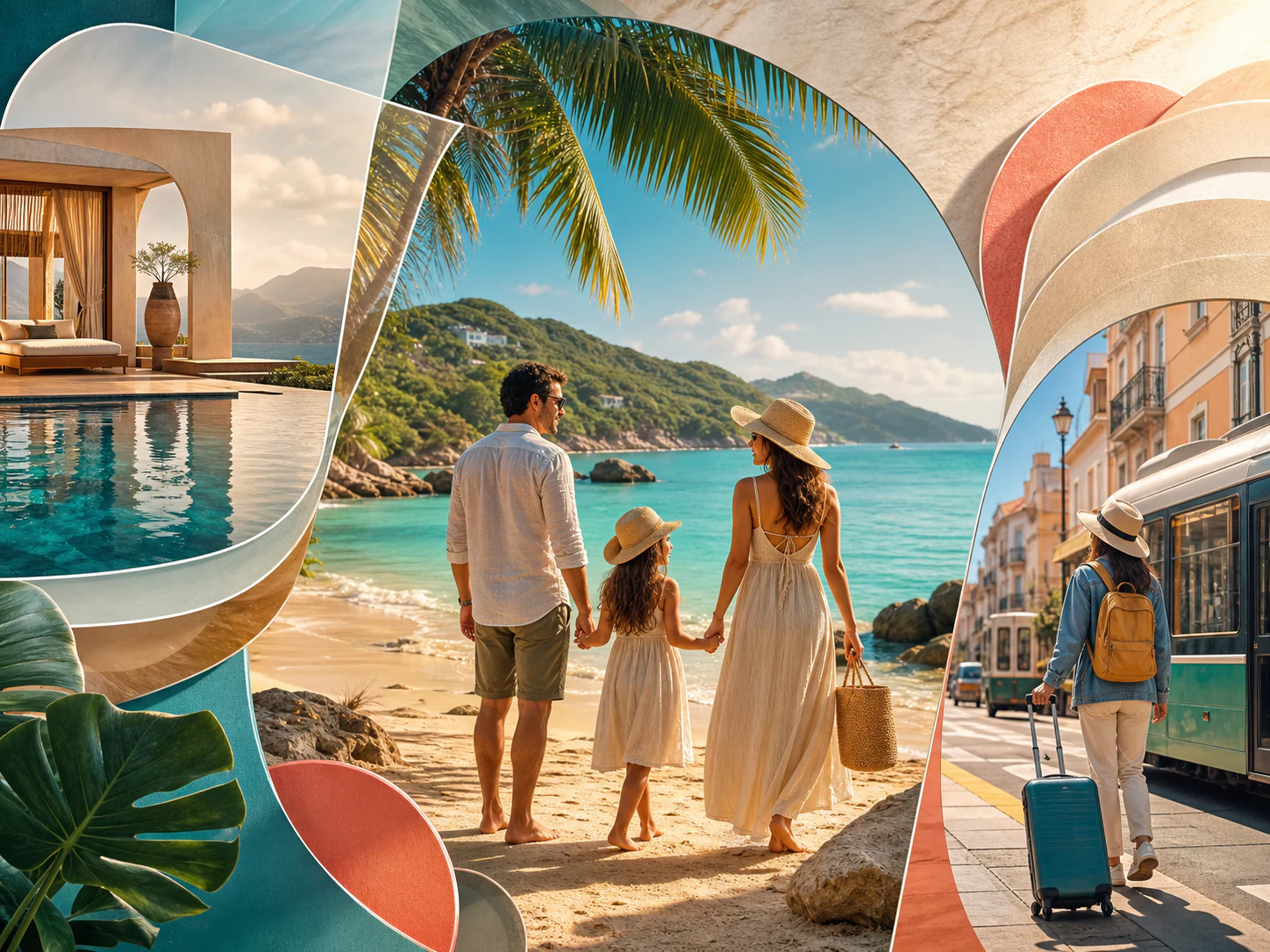
With our photo to video generator, you can instantly place static product images onto realistic AI models. Simply drop any still image and then you can get realistic virtual try-on videos, runway walks, and cinematic video commercials. Also, you can transport a plain product shot into various hyper realistic digital environment like sunlit forest, crowded street, or cozy bedrooms.
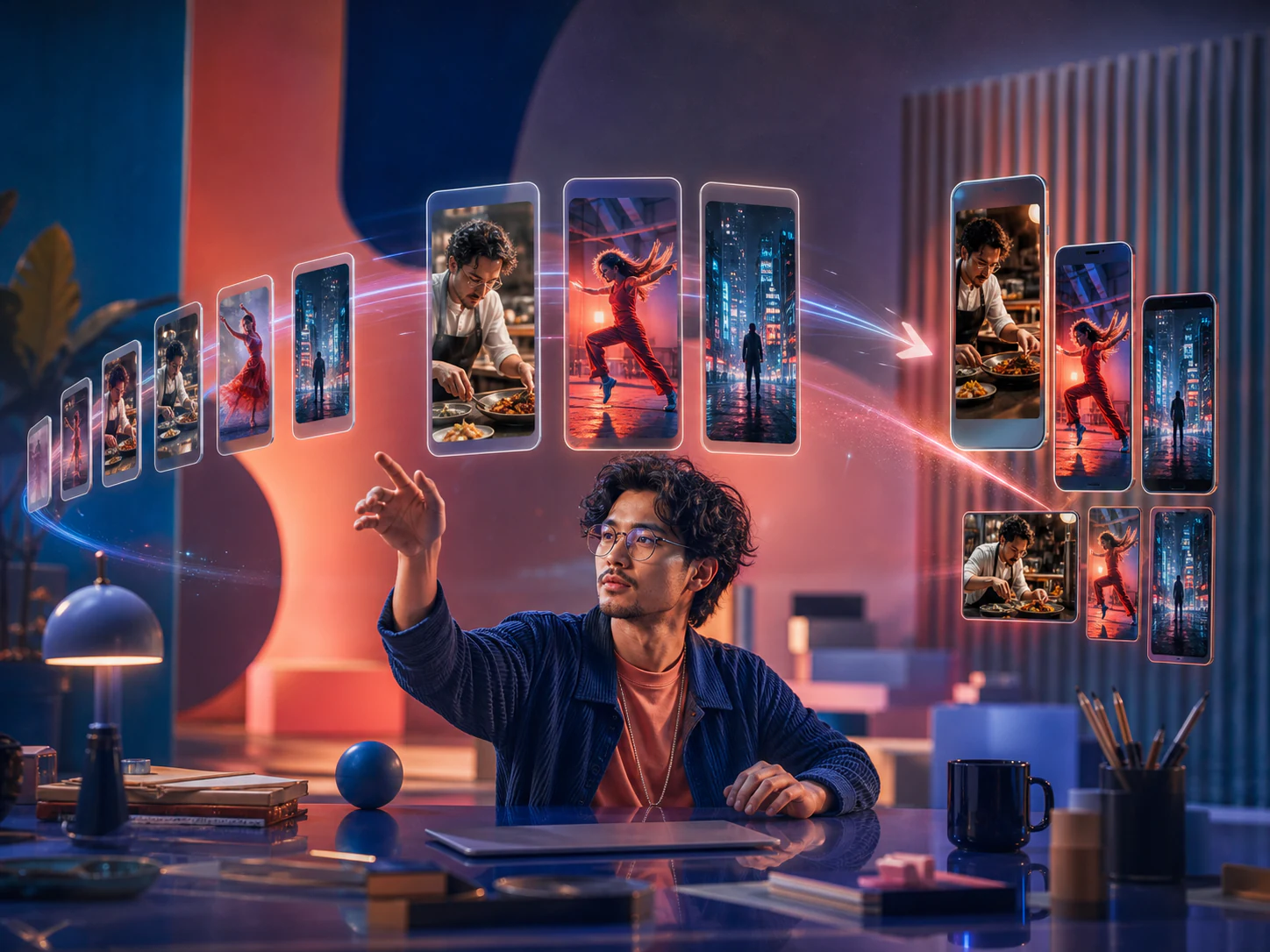
Turn selfies, product shots, or campaign stills into short-form clips for feeds, stories, and ads. Add motion, camera movement, and cinematic pacing while keeping the original image recognizable.
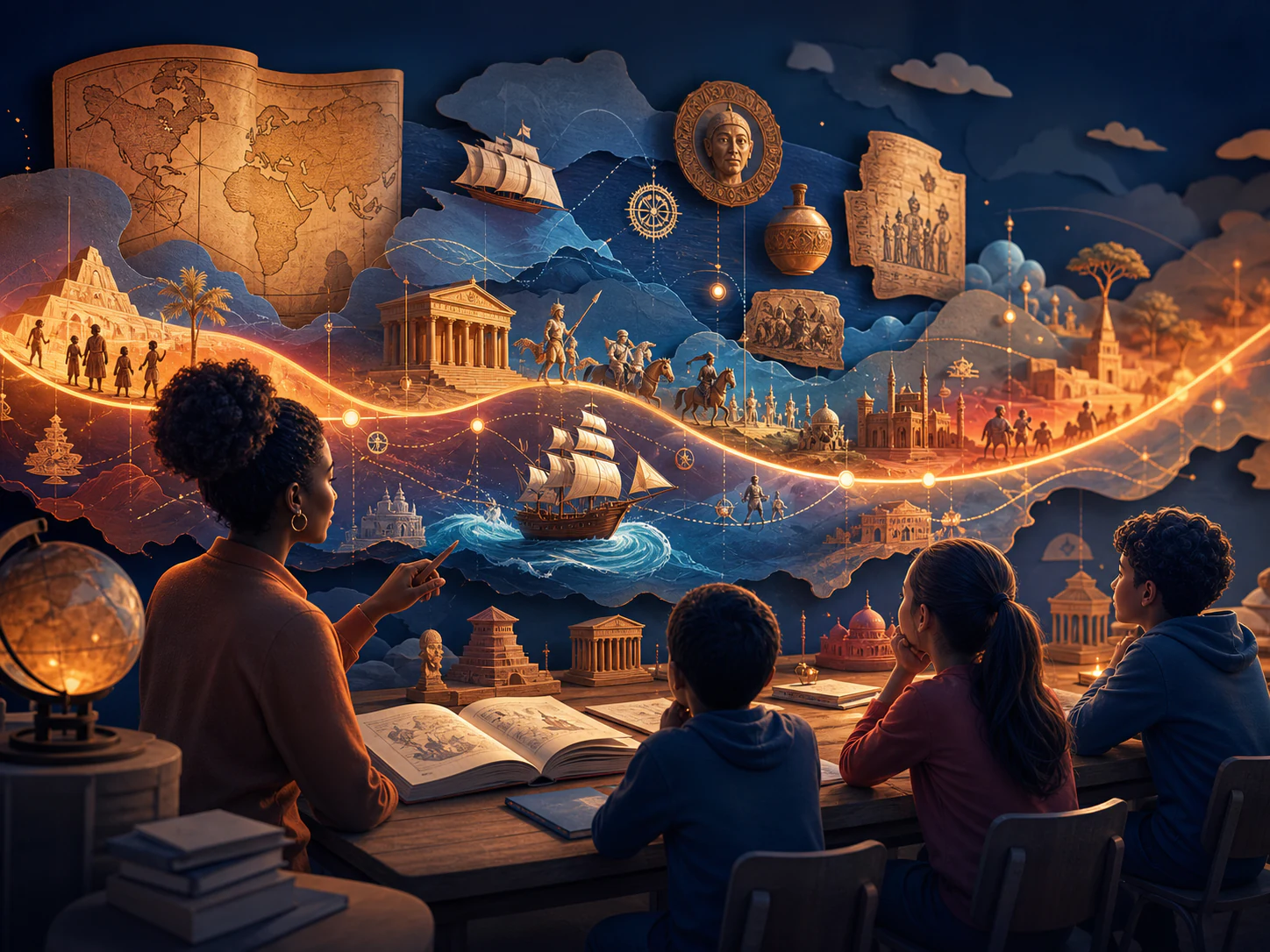
Transform diagrams, slides, thumbnails, and teaching visuals into focused lesson clips. Use image-to-video generation to make static course content easier to understand and more engaging to watch.
Turn selfies into scroll-stopping shorts with one tap. No professional recording or full-time video editor is needed. Whether you are testing different hooks, animating AI characters, or creating short AI dramas, our image-to-video generator can instantly bring dynamic motion to a static image.

Animate ordinary images and product photos into professional-looking commercial ads without hiring actors or videographers. With support for multiple reference images, this free image-to-video maker also creates engaging campaign materials while keeping your branding consistent.
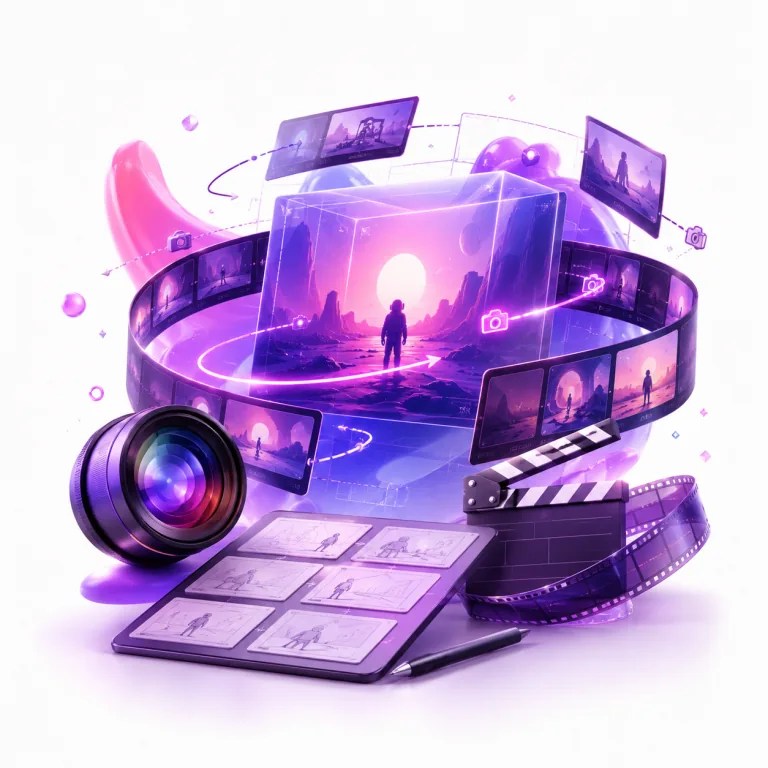
With our online image-to-video generator, filmmakers no longer need to rely only on traditional sketches or storyboards. They can take a still frame and animate it into moving B-roll footage, a polished concept preview, or a cinematic teaser clip.

We used to rely on editors to assemble reference clips before every product pitch. Now, with ManyO’s AI text-to-video tool, we can turn product details, character actions, and camera direction into three solid concepts within 30 minutes. Client conversations are much more productive from the start.
Zhixia Lin
Beauty Brand Marketing Director
The biggest challenge in cross-border ecommerce is testing fresh creative at speed. ManyO’s Text-to-Video Generator lets us create different opening scenes for each market, then invest in polishing the concepts that perform best. It is genuinely useful for ad creative testing.
Daniel Wu
Ecommerce Growth Lead
I break a script’s conflict, turning point, and closing beat into individual motion prompts. It does not replace filming, but this AI video generator helps me validate mood, composition, and pacing much faster during short-form drama previsualization.
Yuan Zhou
Short-Form Drama Director
Restaurant campaigns often need to move quickly. We use ManyO to create vertical product teasers and seasonal atmosphere videos before scheduling a shoot. Our social content calendar is no longer held up by a lack of footage.
Yutong Chen
Restaurant Chain Social Media Manager
Our course team has no shortage of expertise; the challenge is making complex ideas feel clear and alive. Text-to-video lets us turn abstract processes into short visual explainers, helping learners engage faster and making our course pages more compelling.
Bowen Liu
Online Learning Producer
Find answers to common questions about our AI image-to-video generator.
Upload an image, choose a model, and shape the motion with prompts and available controls.