A cinematic long take follows a stylish woman in an off-the-shoulder evening gown as she strolls through the bustling streets of Tokyo on a sweltering summer night. Warm neon lights intertwine, red, pink, and blue hues reflecting off vibrant billboards on the damp pavement. She moves with light, graceful steps, her fashionable coat swaying gently as she passes through brightly lit shops and the blurred cityscape.
Describe your idea in simple words. For a more detailed result, use Prompt optimization to turn it into a structured video prompt, or choose Surprise me when you need inspiration.
Select a text-to-video model, then choose the output settings supported by that model, such as aspect ratio, duration, quality, or resolution. Review the displayed credit cost and select Generate.
ManyO AI processes your prompt and creates the video. Once it is ready, preview the result, compare Takes, refine or regenerate it, and download the supported output you want to keep.
From your first prompt to the final video, everything happens in one place. Optimize prompts, generate without filming or manual editing, and explore multiple AI video models for stories, social clips, product ads, and more.
Go directly from an idea to an AI video. Sign up, use any available starter credits, create a sample from your own prompt, and evaluate motion quality, visual detail, rendering speed, and creative accuracy before choosing a plan.
You do not need to memorize complex prompt formulas. Prompt optimization can enrich your text with shot type, camera motion, lighting, composition, and atmosphere, so you spend less time rewriting and more time creating.
Skip traditional planning, filming, and manual editing for early concepts. Enter a script or creative idea and turn it into dynamic scenes for product ads, storyboards, tutorials, and social media.
Put leading AI video models at your fingertips. Compare the same prompt across available Veo, Seedance, Wan, Kling, MiniMax, and other models, then refine the result that best fits your concept.
Move from a written brief to production-ready video directions with prompts that describe action, camera, timing, and mood.
A dynamic, cinematic sequence begins with an extreme close-up on a large television screen, where chaotic orange and white energy flares violently intermingle and pulse. The screen flickers erratically, casting dramatic light across a room littered with swirling digital debris and glowing particles that float and scatter, creating a palpable atmosphere of electric chaos. The camera performs a rapid dolly zoom out, pulling back to reveal the full, cluttered room as the center of the TV screen distorts and bulges. From this distortion, an adventurous woman with a determined glint in her eye explosively leaps out, her body in mid-air as she bursts free from the digital realm. A hint of a triumphant smile plays on her face as she soars forward, her hair and clothing swept back by the force of her exit. The shot, captured in hyperrealistic 4K with vibrant, high-contrast lighting, transitions into a slow-motion medium shot that follows her arc through the air, emphasizing the powerful, liberating movement and the stark contrast between the chaotic digital world behind her and the tangible reality she now enters.
A cinematic tracking shot opens on a low-angle view of a model's polished shoes against the cracked concrete floor of an abandoned industrial warehouse. The camera slowly pans upward, revealing her full form in a tailored beige suit and stylish accessories, her silhouette stark against the gritty, decaying backdrop of rusted machinery and peeling paint. She turns her head slightly, a look of cool confidence on her face, and begins to walk forward with a poised, deliberate model's gait. The camera smoothly dollies back as she moves, tracking her stride through shafts of dusty light filtering from broken windows, creating dramatic contrasts and long shadows. The shot is hyperrealistic, in 4K, with a moody, high-fashion editorial style that blends elegance with urban decay.
A cinematic, 4K fantasy film sequence in an enchanted forest. A lone traveler in a cloak moves cautiously along a mossy path. The camera begins with a wide drone shot, soaring over the dense canopy before dollying down to follow the traveler at a medium distance. As they push aside a curtain of glowing vines, they discover a hidden valley. The scene reveals a secret world: majestic floating islands of earth and rock drift silently in the misty air, connected by shimmering bridges of light. Below, bioluminescent rivers pulse with soft blue and purple light, illuminating the path. Whimsical, magical creatures—like glowing sprites and deer with crystalline antlers—flee gracefully through the undergrowth. The camera then cranes up, panning across ancient stone ruins overtaken by luminous vines and flowers, revealing the breathtaking scale of the landscape. The lighting is dreamy and ethereal, with sunbeams cutting through the mist. The textures of bark, moss, and stone are hyperrealistic. The entire sequence features smooth, sweeping camera motions, creating a sense of awe and serene discovery.
A cinematic 5-second summer action video on the bright turquoise waters off Miami Beach. A confident young woman with sun-kissed skin and long windblown hair wakesurfs behind a sleek white speedboat, riding a clean rolling wake without a tow rope. She wears a stylish white bikini top and high-waisted light-blue board shorts, balancing naturally as she carves across the wave and sends a sparkling spray into the air. The camera tracks low from the waterline beside her, with Miami’s distant skyline, palm-lined coastline, and a vivid blue sky in the background. Intense midday sunlight, crisp water droplets, realistic wave physics and body movement, vibrant tropical color grading, polished luxury sports-commercial style, photorealistic, 4K, 16:9.
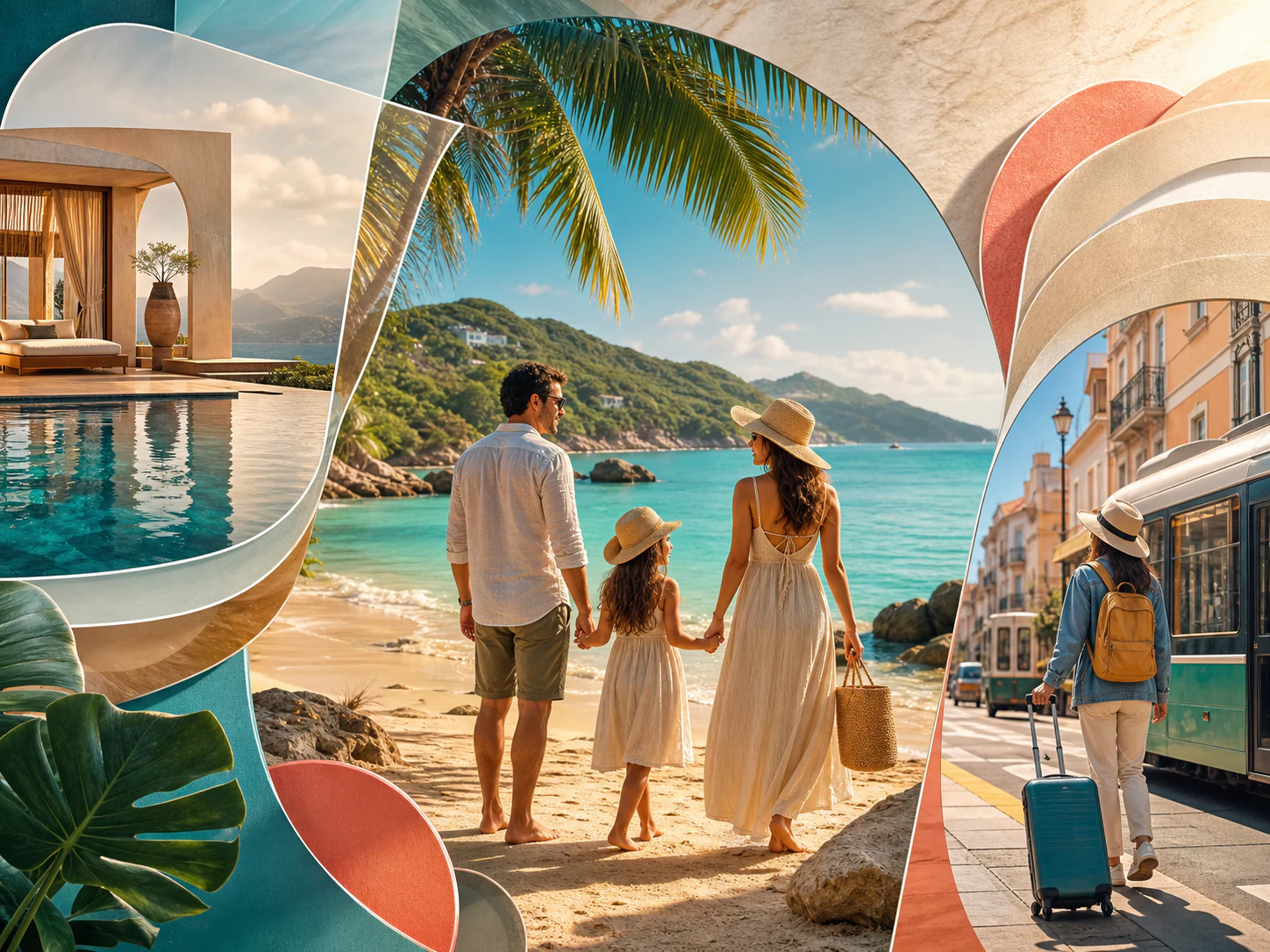
Turn one campaign concept into targeted video creatives at scale. A travel brand, for example, can highlight family vacations, luxury getaways, or budget trips with different messaging while preserving a consistent visual identity.
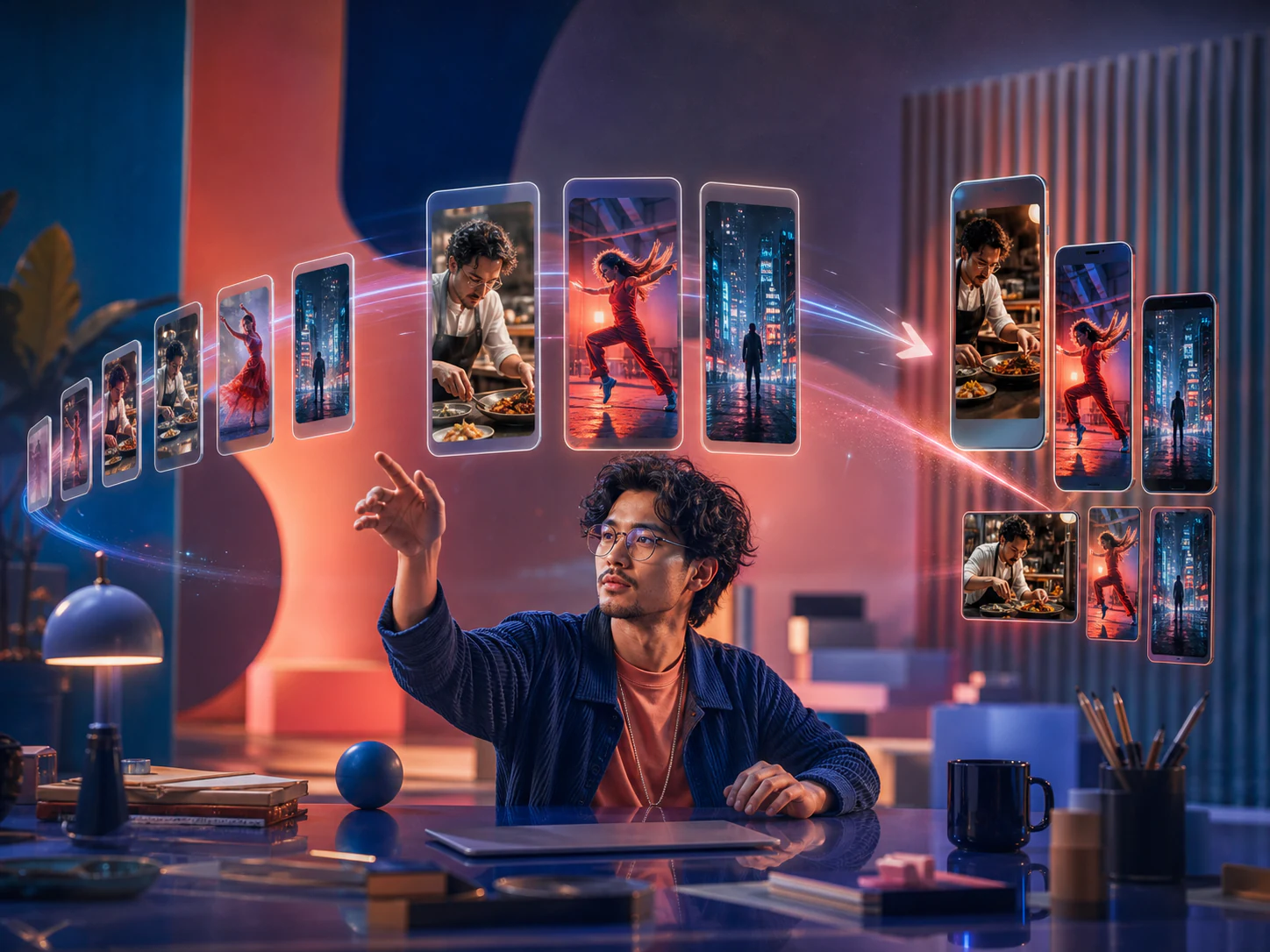
Start with a hook or idea, generate opening scenes and supporting visuals, compare different Takes, and adapt the strongest direction for each platform. This makes production faster and creates more opportunities to publish engaging content.
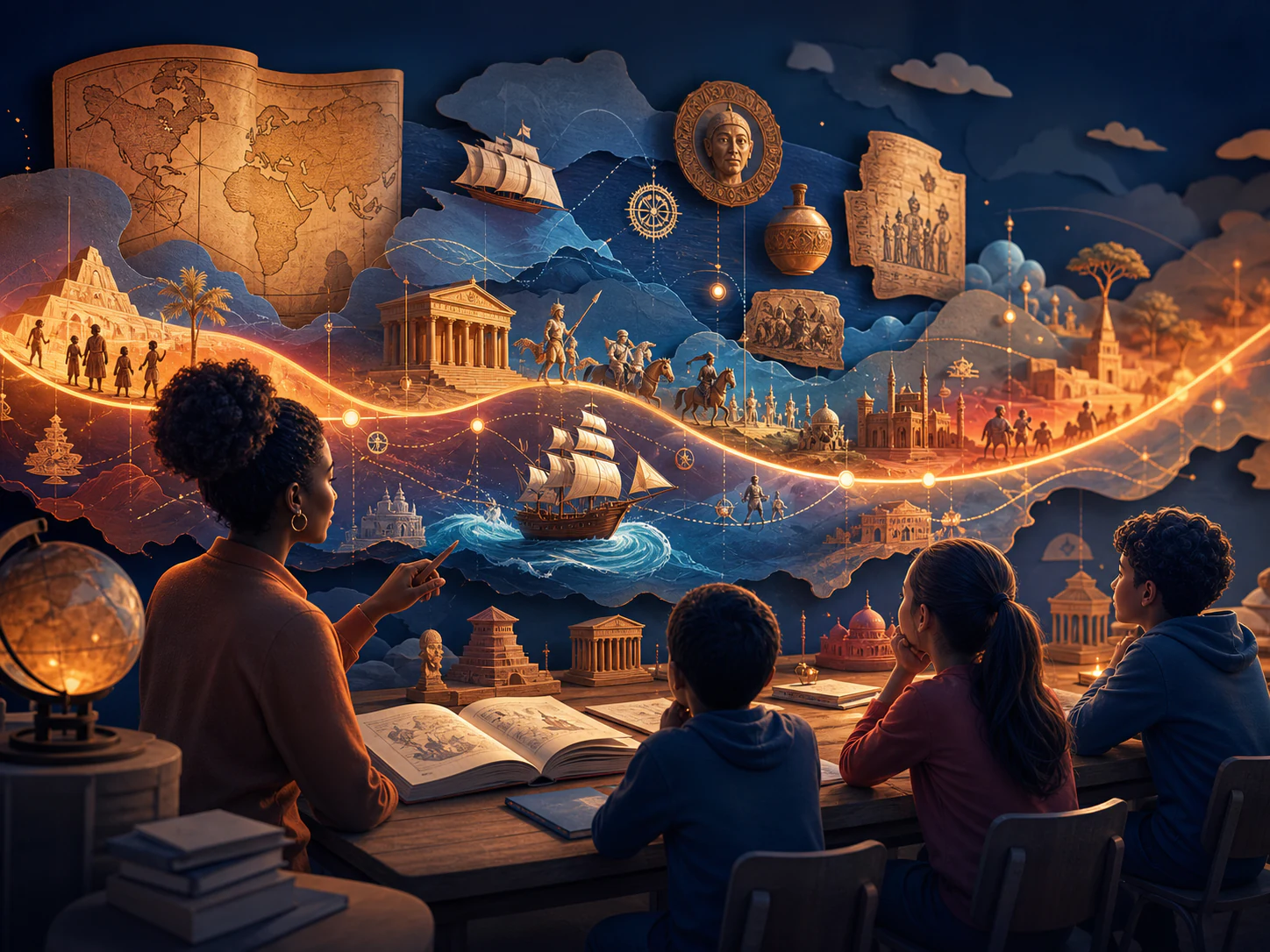
Convert teaching materials into video concepts without rebuilding every lesson manually. Turn a history topic into narrated scenes with timelines, maps, illustrations, and key facts, then review the draft and adjust visuals or terminology before publishing.
Enter a hook, script, or trending idea and create a ready-to-refine video in minutes. Publish more frequently, lower production costs, and reduce the pressure to film every piece of content yourself.

Turn promotional copy into video ads when a flash sale, new collection, or seasonal campaign goes live. React faster to trends, limited-time offers, and changing market opportunities.
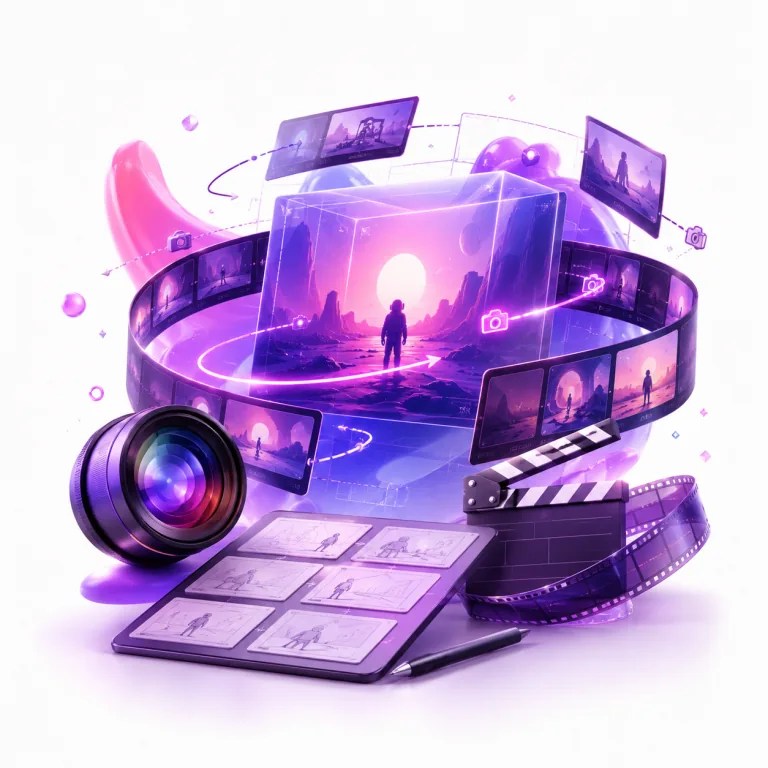
Test scenes before actors, locations, or VFX are involved. Explore camera angles, movement, transitions, environments, and animated artwork to refine a visual direction early and create clearer references for collaboration.

We used to rely on editors to assemble reference clips before every product pitch. Now, with ManyO’s AI text-to-video tool, we can turn product details, character actions, and camera direction into three solid concepts within 30 minutes. Client conversations are much more productive from the start.
Zhixia Lin
Beauty Brand Marketing Director
The biggest challenge in cross-border ecommerce is testing fresh creative at speed. ManyO’s Text-to-Video Generator lets us create different opening scenes for each market, then invest in polishing the concepts that perform best. It is genuinely useful for ad creative testing.
Daniel Wu
Ecommerce Growth Lead
I break a script’s conflict, turning point, and closing beat into individual motion prompts. It does not replace filming, but this AI video generator helps me validate mood, composition, and pacing much faster during short-form drama previsualization.
Yuan Zhou
Short-Form Drama Director
Restaurant campaigns often need to move quickly. We use ManyO to create vertical product teasers and seasonal atmosphere videos before scheduling a shoot. Our social content calendar is no longer held up by a lack of footage.

Yutong Chen
Restaurant Chain Social Media Manager
Our course team has no shortage of expertise; the challenge is making complex ideas feel clear and alive. Text-to-video lets us turn abstract processes into short visual explainers, helping learners engage faster and making our course pages more compelling.

Bowen Liu
Online Learning Producer
Learn how ManyO AI turns written prompts into video, which inputs and models you can use, and how to choose the right workflow for your project.
Start with a simple prompt and generate an engaging video effortlessly. Turn concepts, scripts, and descriptions into visual content designed for your audience and goals.