My Library
Explore
AI Video
AI Image

Loading…

Examples
ManyO.aiMany to One.
Creation
  • AI Image Generator
  • Text to Image
  • Image to Image
  • AI Video Generator
  • Text to Video
  • Image to Video
  • Video to Video
All tools
  • Explore
  • Pricing
About
  • About ManyO
  • Contact us
  • Terms of Service
  • Privacy Policy
  • AI Solutions
  • AI Resources
  • Seedance
  • Happy Horse
  • Kling
  • Google Omni
  • Sora
  • Wan
  • Runway
  • Midjourney
  • Grok
  • Seedance
  • Happy Horse
  • Kling
  • Google Omni
  • Sora
  • Wan
  • Runway
  • Midjourney
  • Grok
  • Seedance
  • Happy Horse
  • Kling
  • Google Omni
  • Sora
  • Wan
  • Runway
  • Midjourney
  • Grok

Free Text to Image Generator Online

Turn any idea into a stunning image instantly. Describe your scene, character, product, or idea online, and our free text to image generator will create eye-catching images like cartoons, LEGO, illustration, clay, Ghibli, or anime in seconds.

How to Convert Text into Image on ManyO AI?

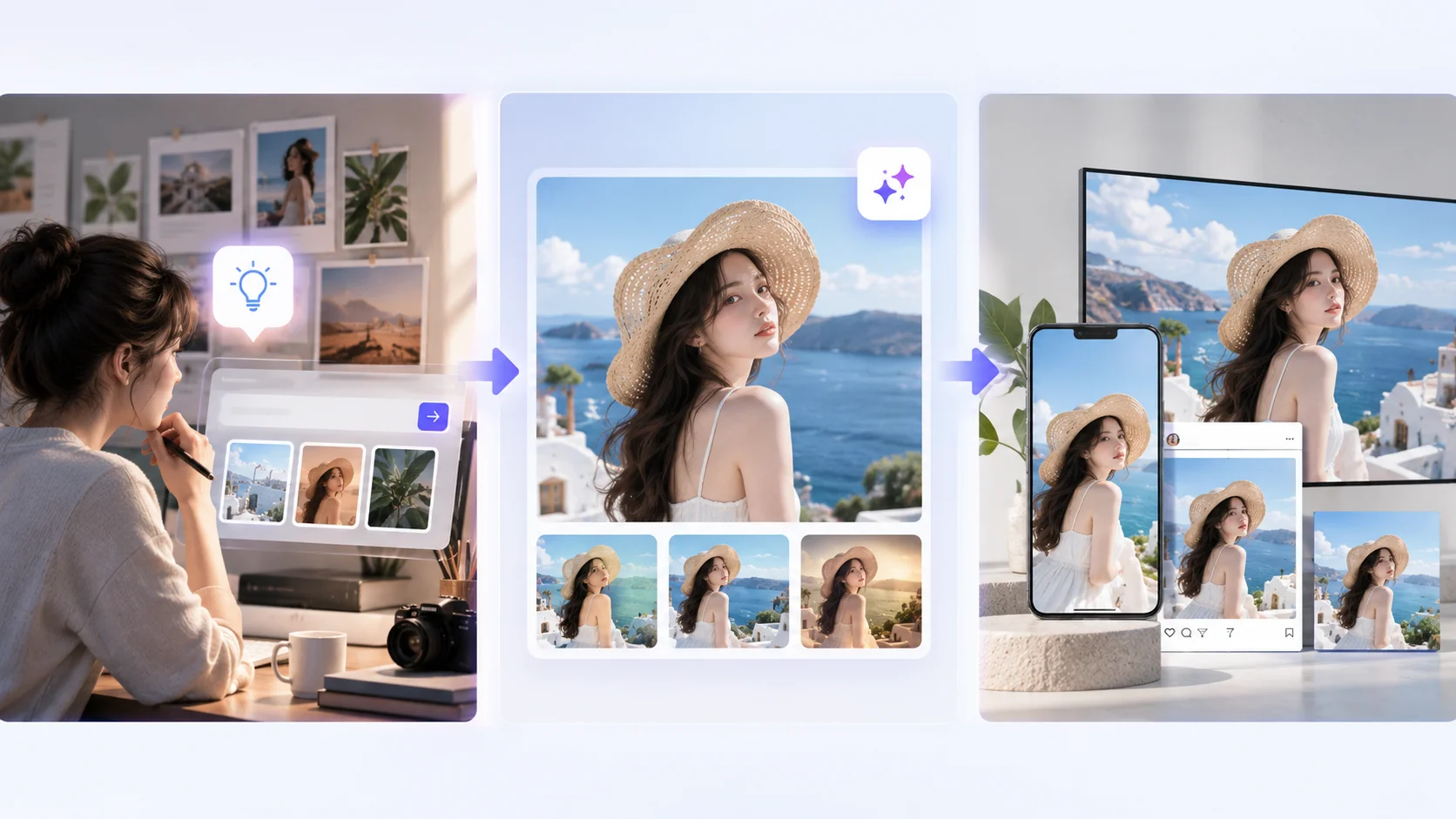
  1. Step 1: Describe Your Idea

    Start by opening the AI image generator and entering a text prompt. Be specific about your desired subject and appearance, such as "a futuristic city at sunset, neon buildings, cinematic lighting, photorealistic style."

  2. Step 2: Generate Your Image

    Choose a suitable AI model and customize settings such as aspect ratio, resolution, and image count. Click "Generate", and then our online text to picture generator will transform your written description into unique images within moments.

  3. Step 3: Edit & Download

    Compare your generated images and refine the one you like. Modify the prompt, adjust the style, or regenerate variations. Once your image looks right, download it for personal use or share it on TikTok, Pinterest, Twitter, or Instagram.

Why Choose Text to Image Generator in ManyO AI?

From simple ideas to detailed creative concepts, our text-to-image generator makes visual creation possible with a single click. Generate images for free, create variations instantly, customize subjects and styles with prompts, and compare different AI models, all without advanced drawing skills or complicated design tools.

  • Generate Images from Text for Free

    Turn words into images for free with an easy online text-to-image generator. No advanced drawing skills or expensive software are required. Enter a description of your desired scene, style, or subject, then create visual variations in seconds. Quickly test colors, styles, subjects, and compositions to produce engaging images for content, marketing, education, and creative work.

  • Turn Any Idea into Images in Seconds

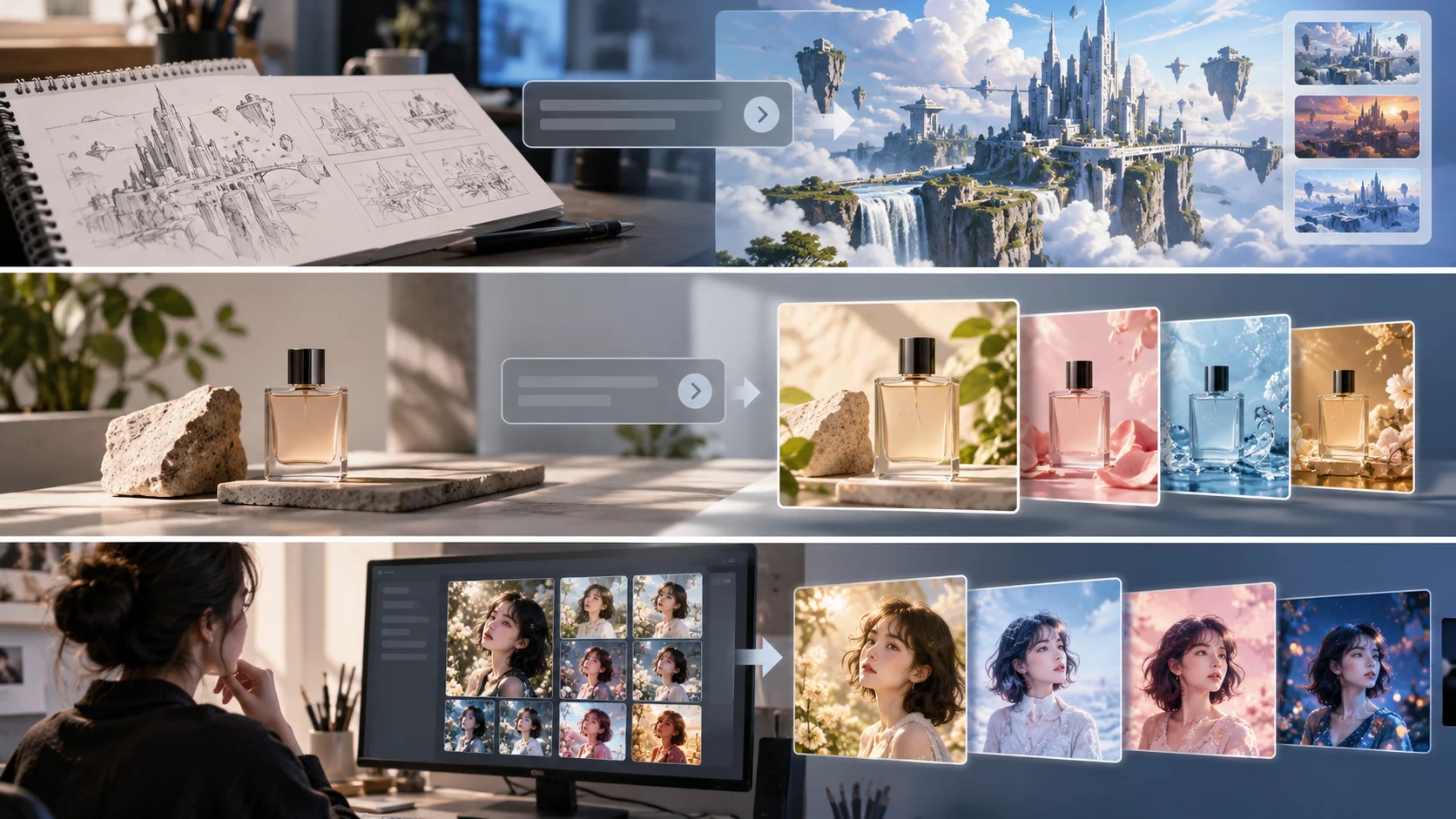
    Skip the traditional process of sketching, erasing, coloring, and refining every visual element. A text-to-image generator interprets your description and creates an image within seconds. You can generate ten different concepts from one idea, making it easy to compare styles and choose the strongest direction quickly.

  • Create Custom Images with Detailed Text Prompts

    Take control of image creation with prompts tailored to your exact needs. Specify everything from character appearance and background scenery to camera perspective and lighting style in plain words. Generate a fashion campaign, game environment, or product advertisement, then explore alternative compositions and visual styles until you find the right direction.

Explore Hottest Effects to Generate Images with AI Online

Start with a clear subject and art direction, then build the composition, lighting, material detail, and format into one reusable prompt.

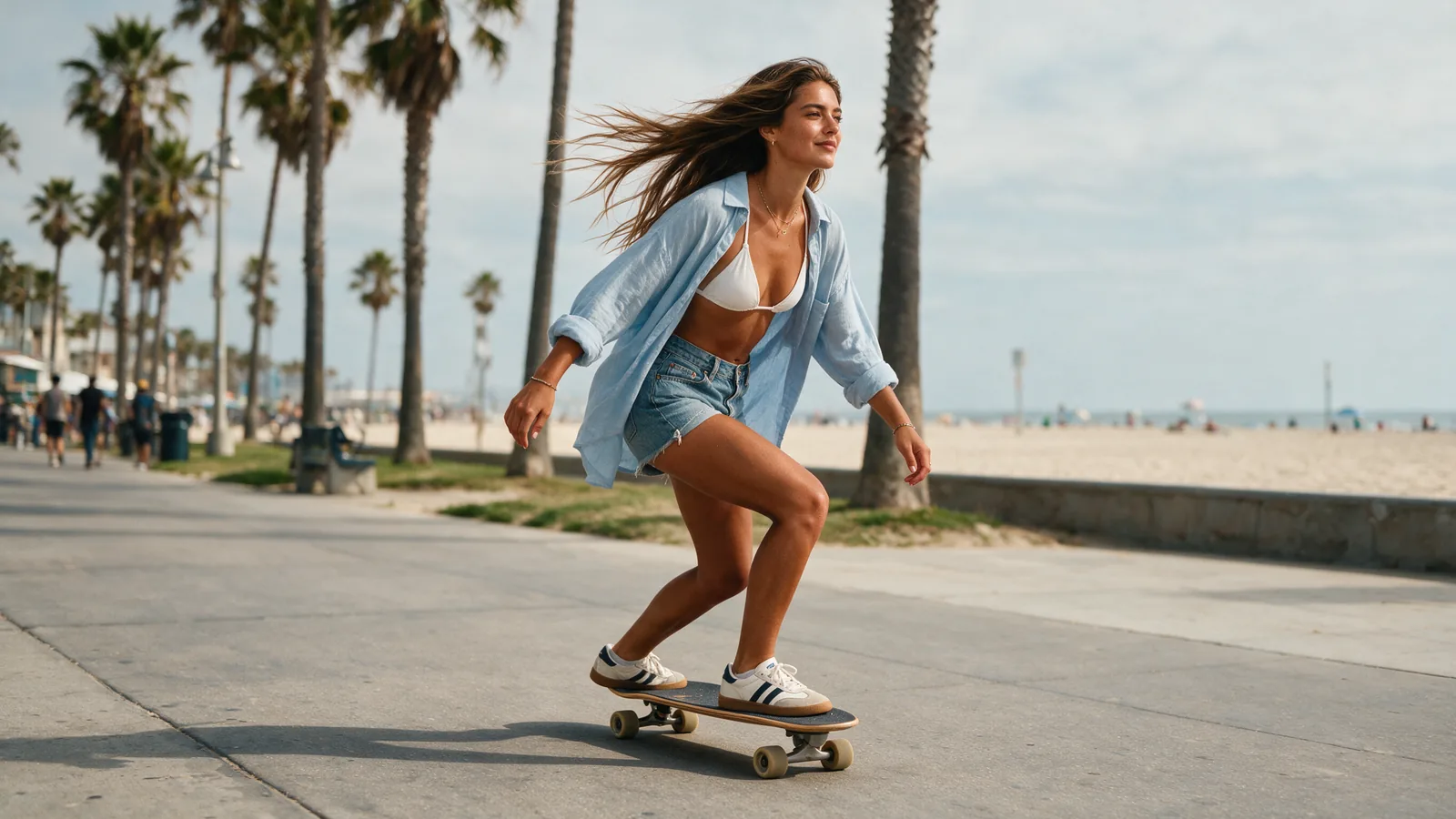
Beachfront Skate Portrait

A confident young woman with sun-kissed skin and long windblown hair rides a surf-skate smoothly along the palm-lined beachfront promenade, wearing a white bikini top, loose light-blue shirt, denim shorts, and sneakers.

Use this prompt
Beachfront Skate Portrait

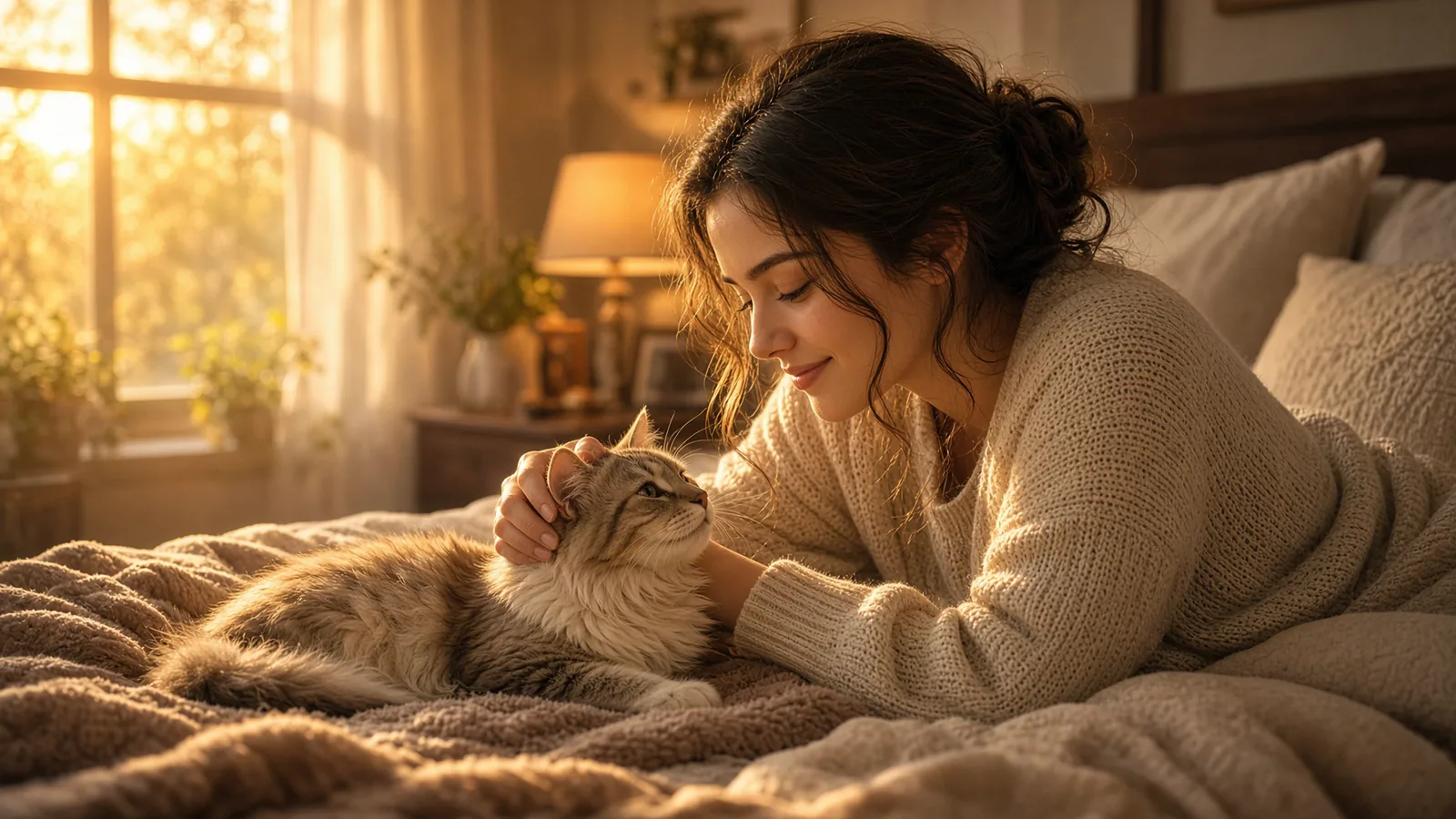
Golden-Hour Pet Moment

A warm cinematic bedroom scene, a young woman relaxing on a soft bed with a fluffy cat beside her. She gently pets the cat and smiles softly, creating an intimate emotional connection. Golden sunset light streams through a large window, filling the room with a cozy glow. Soft blankets, a warm bedside lamp, and subtle home decor create a peaceful and healing atmosphere. The cat looks affectionately toward her. Shallow depth of field, realistic skin texture, detailed cat fur, soft natural lighting, cinematic composition, emotional storytelling, high detail, premium lifestyle photography.

Use this prompt
Golden-Hour Pet Moment

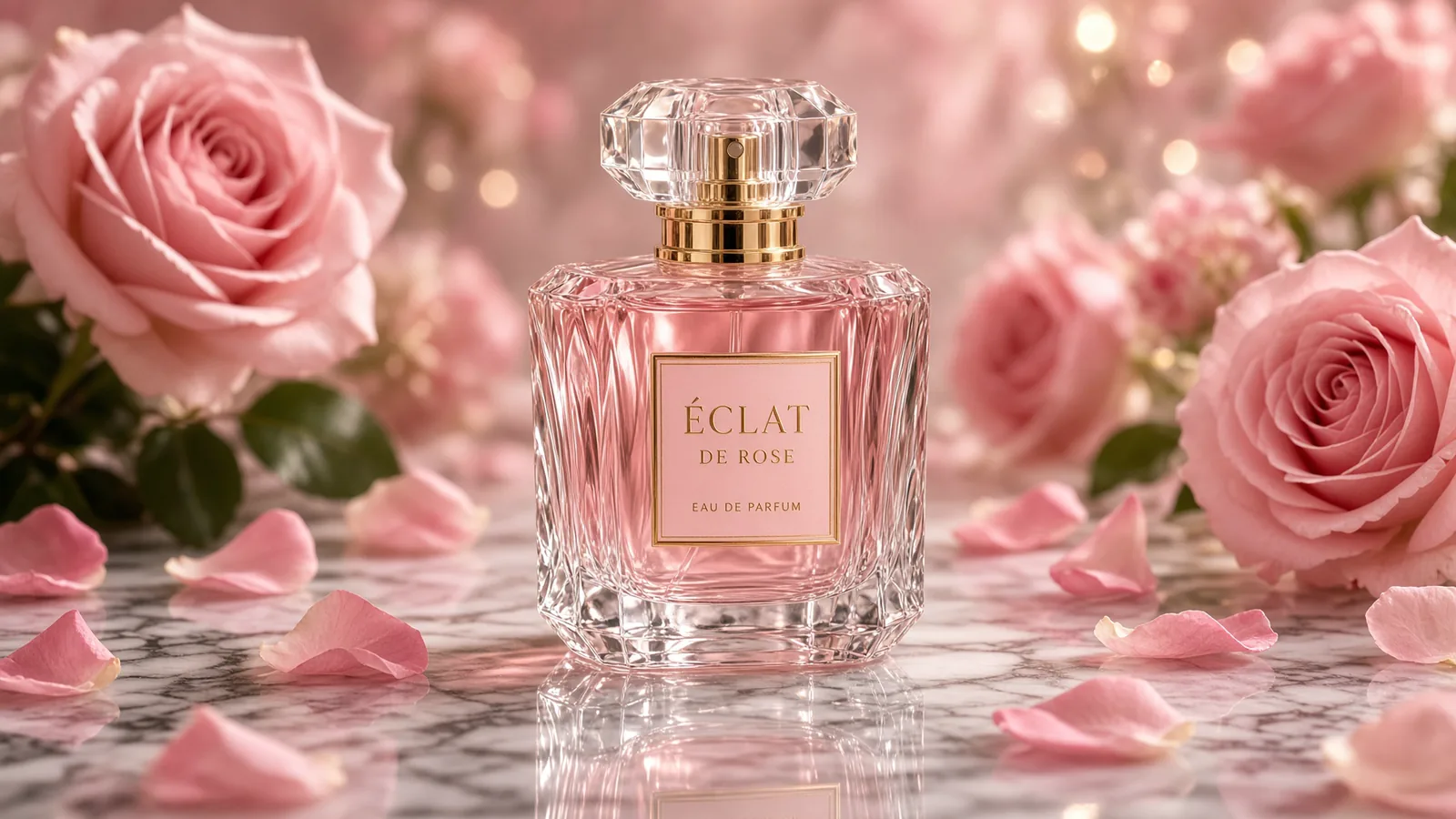
Luxury Perfume Still Life

A luxury perfume bottle placed on a polished marble surface, surrounded by elegant pink roses and scattered flower petals. Soft diffused lighting creates beautiful reflections on the glass bottle. The scene feels premium, romantic, and refined, with a clean luxury beauty advertisement style. The background is softly blurred with delicate bokeh highlights. Ultra-detailed glass texture, elegant composition, glossy surface reflections, cinematic product photography.

Use this prompt
Luxury Perfume Still Life

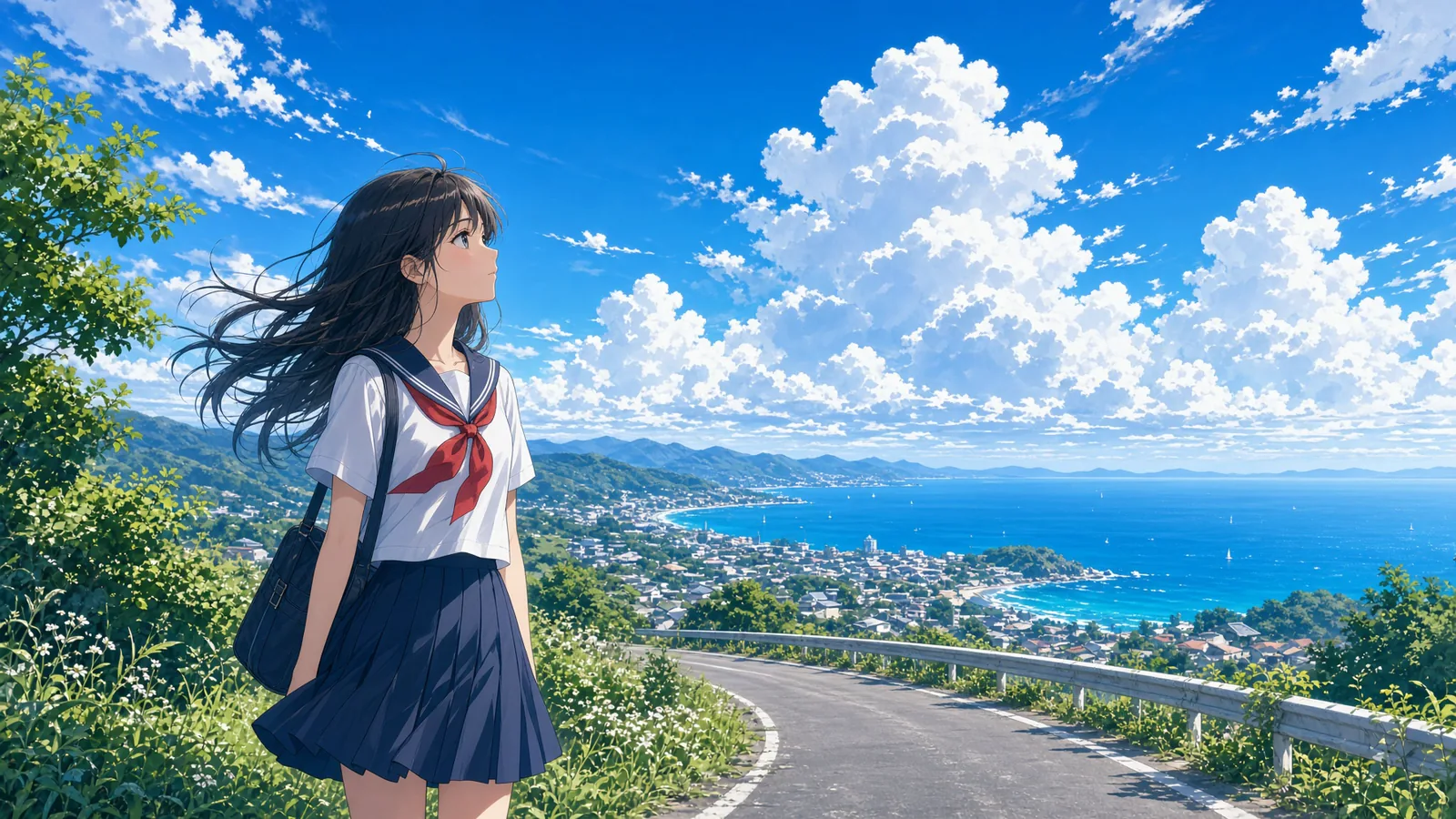
Anime Coastal Summer

Anime style. A beautiful young girl stands on a quiet hilltop road overlooking a coastal town and the ocean. She faces the vast blue sky filled with giant white clouds. Her hair and school uniform move gently in the breeze. The scene has a bright summer feeling with vivid colors, detailed clouds, distant sea, lush greenery, and a nostalgic youthful atmosphere. Cinematic anime composition, highly detailed background, expressive character design, dreamy lighting.

Use this prompt
Anime Coastal Summer

How Different Industries Benefit from Text to Image Generator on ManyO AI?

Create Immersive Game Visuals from Simple Text

Create Immersive Game Visuals from Simple Text

Bring game worlds to life faster with text-to-image AI. Developers can visualize characters, 3D environments, weapons, buildings, and props before production begins. Generate dozens of concepts in different styles, helping creative teams experiment freely while reducing the cost and effort of manual concept art.

Design Product Ads and Seasonal Visuals with Text-to-Image AI

Design Product Ads and Seasonal Visuals with Text-to-Image AI

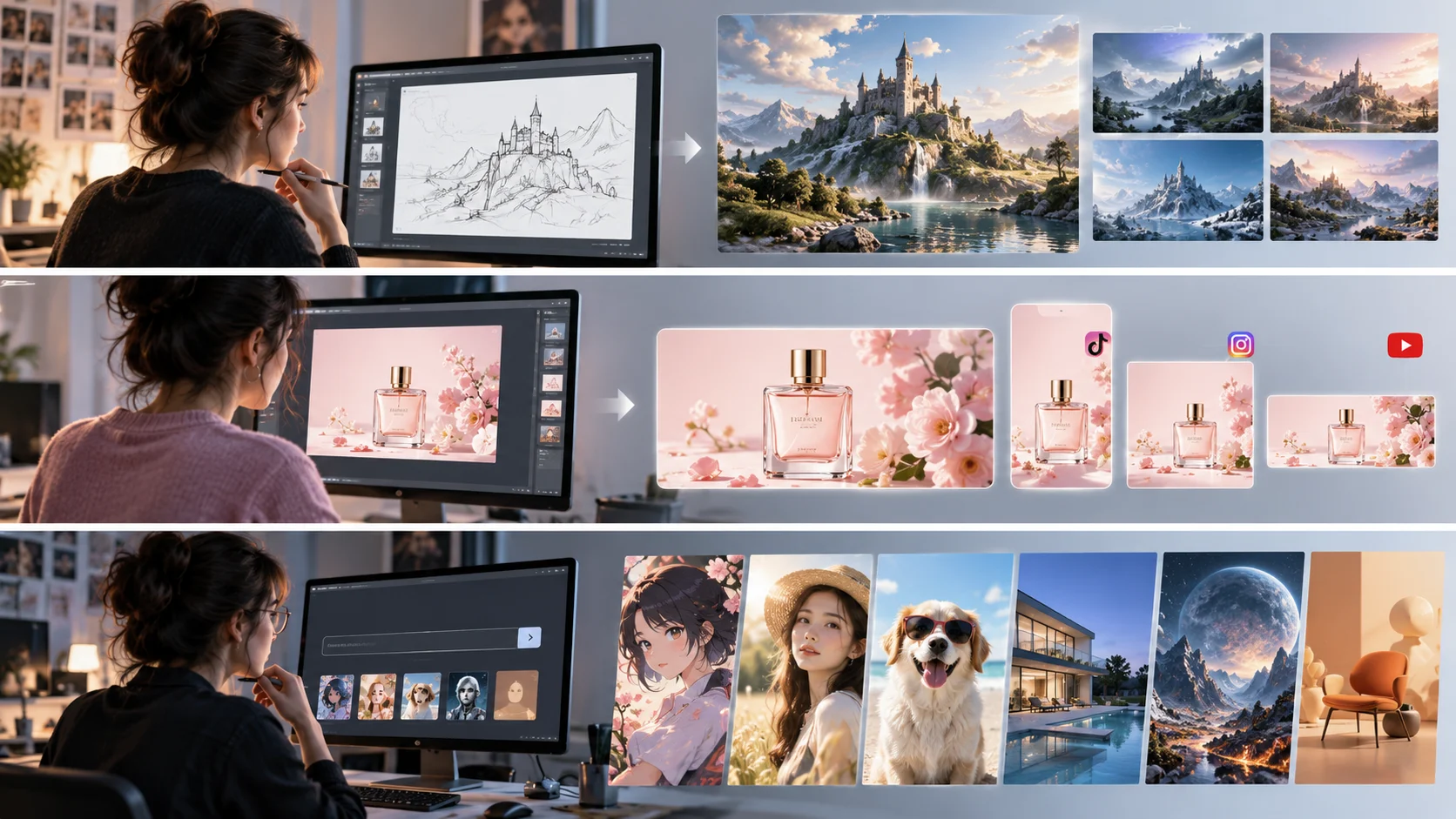
Create customized advertising concepts without spending hours on rough sketches. Marketers can generate lifestyle scenes, product backgrounds, promotional graphics, and seasonal visuals from text prompts. Rapid experimentation helps teams discover stronger creative directions while reducing revisions, production delays, and dependence on expensive visual assets.

Turn Design Ideas into Realistic Visual Concepts

Turn Design Ideas into Realistic Visual Concepts

Use text-to-image AI to test design ideas before creating detailed blueprints or 3D models. Generate realistic concepts for modern kitchens, luxury bedrooms, commercial spaces, or building exteriors, then compare styles, layouts, textures, and lighting to make early design decisions faster and more confidently.

Who Can Create with Text-to-Image AI?

  • Content Creators and Bloggers

    Content Creators and Bloggers

    Text-to-image generators save creators time, money, and design effort by producing customized visuals on demand. Bloggers can generate article headers, feature images, and illustrations without purchasing stock photos. A fashion creator could describe a seasonal outfit and instantly create a matching editorial-style image for a blog or social post.

  • Marketers and Advertisers

    Marketers and Advertisers

    Reduce creative production costs while expanding your marketing possibilities with AI-generated visuals. Create custom graphics for Instagram campaigns, display ads, email promotions, and product launches without relying entirely on stock photography. Generate multiple visual directions quickly, giving marketers more options to refine, personalize, and test.

  • Graphic Designers and Artists

    Graphic Designers and Artists

    For graphic artists, instant text to image generation provides more starting points when inspiration runs low. Describe a concept and explore multiple compositions, styles, and visual treatments quickly. For example, a character designer can generate different costume concepts, poses, environments, and lighting setups before developing the selected idea into polished artwork.

What Users Say About ManyO

  • We used to rely on editors to assemble reference clips before every product pitch. Now, with ManyO’s AI text-to-video tool, we can turn product details, character actions, and camera direction into three solid concepts within 30 minutes. Client conversations are much more productive from the start.

    Zhixia Lin

    Zhixia Lin

    Beauty Brand Marketing Director

  • The biggest challenge in cross-border ecommerce is testing fresh creative at speed. ManyO’s Text-to-Video Generator lets us create different opening scenes for each market, then invest in polishing the concepts that perform best. It is genuinely useful for ad creative testing.

    Daniel Wu

    Daniel Wu

    Ecommerce Growth Lead

  • I break a script’s conflict, turning point, and closing beat into individual motion prompts. It does not replace filming, but this AI video generator helps me validate mood, composition, and pacing much faster during short-form drama previsualization.

    Yuan Zhou

    Yuan Zhou

    Short-Form Drama Director

  • Restaurant campaigns often need to move quickly. We use ManyO to create vertical product teasers and seasonal atmosphere videos before scheduling a shoot. Our social content calendar is no longer held up by a lack of footage.

    Yutong Chen

    Yutong Chen

    Restaurant Chain Social Media Manager

  • Our course team has no shortage of expertise; the challenge is making complex ideas feel clear and alive. Text-to-video lets us turn abstract processes into short visual explainers, helping learners engage faster and making our course pages more compelling.

    Bowen Liu

    Bowen Liu

    Online Learning Producer

  • We used to rely on editors to assemble reference clips before every product pitch. Now, with ManyO’s AI text-to-video tool, we can turn product details, character actions, and camera direction into three solid concepts within 30 minutes. Client conversations are much more productive from the start.

    Zhixia Lin

    Zhixia Lin

    Beauty Brand Marketing Director

  • The biggest challenge in cross-border ecommerce is testing fresh creative at speed. ManyO’s Text-to-Video Generator lets us create different opening scenes for each market, then invest in polishing the concepts that perform best. It is genuinely useful for ad creative testing.

    Daniel Wu

    Daniel Wu

    Ecommerce Growth Lead

  • I break a script’s conflict, turning point, and closing beat into individual motion prompts. It does not replace filming, but this AI video generator helps me validate mood, composition, and pacing much faster during short-form drama previsualization.

    Yuan Zhou

    Yuan Zhou

    Short-Form Drama Director

  • Restaurant campaigns often need to move quickly. We use ManyO to create vertical product teasers and seasonal atmosphere videos before scheduling a shoot. Our social content calendar is no longer held up by a lack of footage.

    Yutong Chen

    Yutong Chen

    Restaurant Chain Social Media Manager

  • Our course team has no shortage of expertise; the challenge is making complex ideas feel clear and alive. Text-to-video lets us turn abstract processes into short visual explainers, helping learners engage faster and making our course pages more compelling.

    Bowen Liu

    Bowen Liu

    Online Learning Producer

FAQs of Text to Image Generator by ManyO AI

Answers about prompts, models, credits, output controls, and what happens after you generate.

How does this text to image generator work?
A text-to-image generator uses machine learning to transform natural language into images. After reading your prompt, advanced image generation models like GPT Image 2, Nano Banana 2, Grok Imagine 2, Flux 2, or Midjourney identify key concepts such as objects, environments, colors, lighting, and styles. It then uses a diffusion process to gradually transform random noise into a matching scene. Once the details are refined, the AI decodes the result into a finished image.
Is there a text to image generator free to use?

Transform Your Words into Images for Free Now

Start creating custom AI images today. Enter a simple prompt and generate visuals tailored to your idea, whether you need social media graphics, marketing assets, illustrations, or creative artwork.

Access Multiple Text-to-Image AI Models in One Place

Expand your creative range by bringing multiple top text to image AI models together in one workspace. Different models can interpret the same prompt in unique ways, giving you more options for style, detail, and composition. Quickly switch models and experiment until you find the result you want.

Yes, you can use ManyO AI as a free text-to-image generator to create images from simple text prompts. Everyone can generate one image for free, even without signing up or logging in. After creating an account, you can earn more free credits through check-ins and referrals. It's an easy way to explore AI image generation without an upfront cost.
How to write an effective text to image generation prompt?
A strong text-to-image prompt combines creative direction with visual details. Start with your subject, describe the environment and action, then specify style, lighting, mood, and composition. For example: "A chef preparing fresh pasta in a rustic Italian kitchen, natural window light, warm earthy tones, editorial food photography, shallow depth of field, close-up composition." This creates clearer instructions for the image model. If you don't excel at writing a text prompt, type your rough idea and click "Prompt optimization" to expand it with setting, visual style, colors, lighting, mood, and camera angle in seconds.
What text to image models are available in ManyO AI?
ManyO AI brings multiple text-to-image models together in one interface. Available options include Seedream 5.0, Nano Banana Pro, Nano Banana 2, Grok Imagine, Hunyuan Image 3.0, Kling O1 Image, Wan 2.7 Image, Midjourney, and Qwen Image 3.0 for everything from realistic scenes to stylized artwork.
Can I animate my text-to-image result?
Yes. After generating an image you like, send it into the ManyO AI image to video generator, describe the motion you want, and turn the still into a short video clip. You can also download the image, reuse its prompt, or keep editing it with the image to image AI tool.